


Vibe coding tools are AI-powered coding assistants and agents that let you build software by describing what you want in plain English, then iterating with the model until the code runs. Instead of writing every line from scratch, you stay focused on intent. This is while the tool generates, edits, debugs, and sometimes deploys the project for you. Such an approach can speed up prototyping and reduce boilerplate. However, it also increases the need for review, testing, and security checks.
In this guide, you’ll find a practical list of the best vibe coding tools for beginners for 2026. You’ll also get a quick framework for choosing the right tool for your workflow (IDE-first, browser-first, design-first, team/enterprise), plus the real risks to watch for. These include technical debt, security gaps, maintainability, and compliance, so you can move fast without losing control.

| Tool | Best For | Free Tier | Key Model(s) | Standout Metric |
| Cursor | Debugging | Yes | GPT-5 | 28% higher acceptance rate |
| Bolt.new | Flexibility | Yes | Frontier agents | 98% error reduction |
| Lovable | User Experience | Yes | Claude Opus 4.5 | Hours to deployment |
| Zencoder | All-in-One Agent | Yes | Claude 4.5, GPT-5 | Enterprise certifications |
| Windsurf | Speed | Trial | Opus 4.5, SWE-1.5 | 94% AI-written code |
| GitHub Copilot | IDE Integration | Yes | GPT-5, Claude 4.5 | 55% faster tasks |
| v0 by Vercel | React Generation | Yes | Not specified | Rapid UI prototyping |
| Replit | Collaboration | Yes | Agent 3 | 6x productivity |
| Cody (Amp) | Code Navigation | Credits | Frontier models | Production-ready quality |
| Continue | Open-Source | Yes | Any | Full customization |
| Qodo | Quality & Testing | Yes | Any | Gartner Visionary |
| Devin | Autonomy | Trial | Not specified | Parallel task handling |
This table summarizes core attributes for quick comparison, based on official data.
1. Cursor – Best for Deep Code Understanding & Debugging
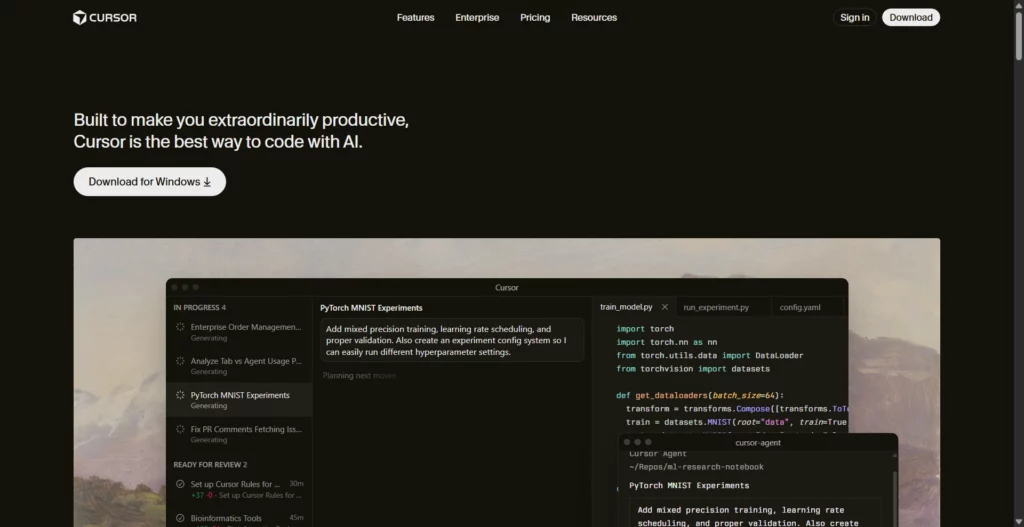
Cursor stands out for its comprehensive codebase indexing and AI-driven debugging, trusted by over half of the Fortune 500 companies for accelerating secure development at scale. In 2025, updates like Debug Mode and AI Code Review have boosted acceptance rates by 28%, enabling developers to handle complex projects 1.5x faster, as per official research on model improvements.
Latest updates include Agent GPT-5 for idea-to-code conversion, a custom Tab model with online RL for precise predictions, and Instant Grep for quick searches. It differs from others by integrating seamlessly with GitHub and Slack, supporting models from OpenAI, Anthropic, Gemini, and xAI, while emphasizing full codebase comprehension regardless of size.
Pricing:
- Hobby (Free): One-week Pro trial, limited Agent requests and Tab completions.
- Pro ($20/mo): Unlimited Tab completions, extended Agent limits, maximum context windows.
- Pro+ ($60/mo): 3x usage on premium models like OpenAI and Claude.
- Ultra ($200/mo): 20x model usage, priority feature access.
Cursor is best suited for professional developers and development teams working on production codebases that require precise debugging, large-scale refactoring, and deep code navigation across multiple files and modules.
2. Bolt.new – Best for Flexibility & Integration Ecosystem

Bolt.new excels in flexibility by integrating frontier AI agents from multiple labs into one interface, reducing errors by 98% and handling projects 1,000 times larger through advanced context management. Official data highlights its enterprise-grade backend, with users reporting seamless transitions from Figma or GitHub imports in 2025.
Key updates allow chatting with AI to build apps/websites, automatic testing/refactoring, and built-in hosting with databases and SEO. It differs by eliminating tool-switching, offering unlimited databases and custom domains without extra accounts, focusing on design systems for on-brand outputs.
Pricing:
- Free Tier: Start building with basic access, no credit card required.
- Pro (Paid, details not specified): Enhanced features like advanced integrations; yearly subscriptions offer 10% discount.
- Enterprise (Custom): Tailored for teams with advanced security and scalability.
- General Note: Transparent, usage-based without hidden fees.
Bolt.new is best for solo founders, indie hackers, freelancers, and small teams who need to build and deploy full-stack web applications rapidly without worrying about local environment setup or infrastructure configuration.
3. Lovable – Best for User Experience & Design-First Development
Lovable prioritizes intuitive user experience, enabling anyone to create full-stack apps via natural language in hours rather than months, as per official docs and user stories. In 2025, its design-first focus has led to high adoption, with reports of non-coders building sophisticated platforms, backed by community feedback on efficiency gains.
Latest integrations handle frontend/backend infrastructure, with AI chat for app creation and credit-based usage for rollovers. It stands apart by emphasizing accessibility for all skill levels, differing from code-heavy tools through seamless concept-to-deployment flows.
Pricing:
- Free Tier: Basic access with limited credits.
- Plus (Paid): 100 monthly credits, 5 daily (up to 150/month), usage-based cloud/AI, unlimited subdomains.
- Pro/Enterprise (Custom): Advanced features like credit rollovers; contact for details.
- Note: Focus on affordability for startups.
Lovable is ideal for designers and developers building design-first applications, startups validating product concepts, internal business tools, and agencies needing rapid client project delivery with strong visual presentation.
4. Zencoder – Best for All-in-One AI Development Agent
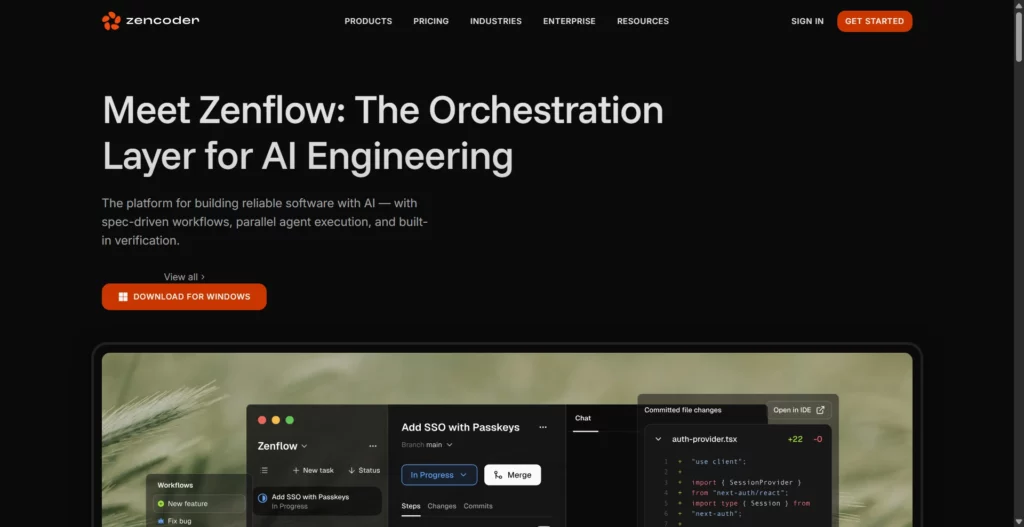
As an all-in-one agent, Zencoder raises the bar with enterprise-grade expertise and parallel thinking, certified for SOC 2/ISO standards. 2025 data shows it boosts team productivity by connecting CLI to IDE, with users noting faster workflows and fewer silos, per official announcements.
Updates include interactive notebooks, real-time execution, and agents for testing/review. It differs by offering multi-repository intelligence and 100+ integrations, using models like Claude 4.5 and GPT-5 for autonomous tasks, with BYOK support.
Pricing:
- Free: 30 premium LLM calls/day, unlimited BYOK.
- Starter ($19/user/mo): 280 calls/day, Auto+ models.
- Core ($49/user/mo): 750 calls/day, analytics, SSO.
- Advanced/Max ($119–$250/user/mo): Unlimited access to Opus 4.5, hybrid deployment.
Zencoder is best for growing development teams and enterprises requiring an all-in-one solution with strong privacy guarantees, integration flexibility, and support for multiple programming languages without vendor lock-in.
5. Windsurf – Best for Speed & Multi-Language Support
Windsurf (formerly Codeium) leads in speed with Turbo Mode and parallel testing, achieving fixes in seconds and 94% AI-written code. Gartner recognized it as a 2025 Leader, with over 1M users reporting reduced boilerplate time.
Cascade agent thinks ahead, Windsurf Tab for instant actions, MCP for tool integrations. Differs by supporting 70+ languages with models like Opus 4.5 and SWE-1.5, plus drag-and-drop images for designs.
Pricing:
- Free Trial: Basic access for testing.
- Paid (Token-based): Fair usage plans; details on site.
- Enterprise (Custom): For teams with advanced needs.
- Note: Reworked in 2025 for transparency.
Windsurf is ideal for developers and teams working with large, complex codebases across multiple programming languages, particularly those needing privacy guarantees and on-premise deployment options without sacrificing speed.
6. GitHub Copilot – Best for IDE Integration & Ecosystem
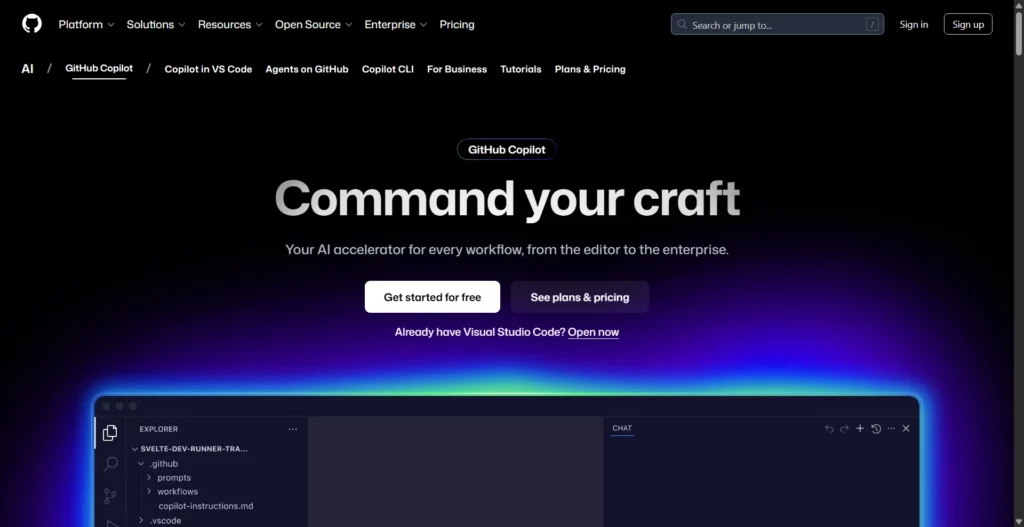
Copilot’s deep IDE integration has driven 75% higher job satisfaction and 55% productivity gains, per GitHub research. In 2025, it’s used by majors like Stripe, with 81% same-day adoption rates, though some note ecosystem dependency.
Autonomous agents, natural language terminal commands, custom integrations. Stands out with support for VS Code/JetBrains, models like GPT-5 and Claude 4.5, differing via GitHub ecosystem for mobile/public search.
Pricing:
- Free: 50 chats/month, 2,000 completions.
- Pro ($10/mo): Unlimited, 300 premium requests.
- Pro+ ($39/mo): 5x requests, Spark access.
- Enterprise (Custom): For organizations.
GitHub Copilot is best for developers and teams already embedded in the GitHub ecosystem, enterprises requiring organizational controls and IP protection, and developers prioritizing broad IDE support and extensive language coverage.
7. v0 by Vercel – Best for React Component Generation
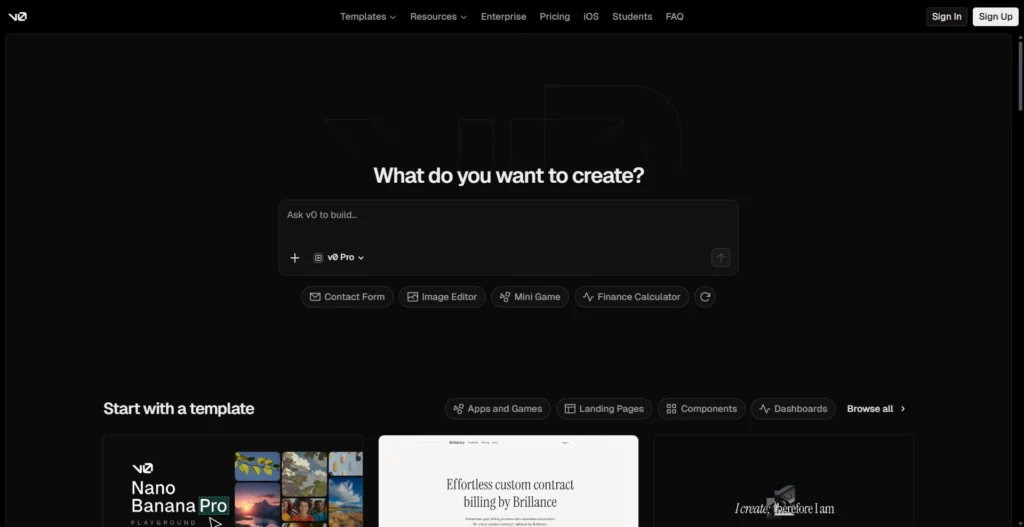
v0 specializes in rapid React UI generation, praised for turning prompts into deployable components quickly, with Vercel’s backing ensuring scalability. 2025 user data shows it cuts frontend time significantly, ideal for prototypes.
AI-powered component creation with Shadcn integration, natural language inputs. Differs by focusing on Vercel-hosted React, with updates for better customization.
Pricing:
- Free: Limited credits with Vercel account.
- Pro (Paid): Unlimited generations, advanced models.
- Enterprise (Custom): Team features.
- Note: Usage-based.
v0 is best for frontend developers and design teams building React/Next.js applications, designers who want direct code generation from mockups, and teams implementing shadcn/ui design systems requiring rapid component prototyping.
8. Replit – Best for Collaborative Development & Learning
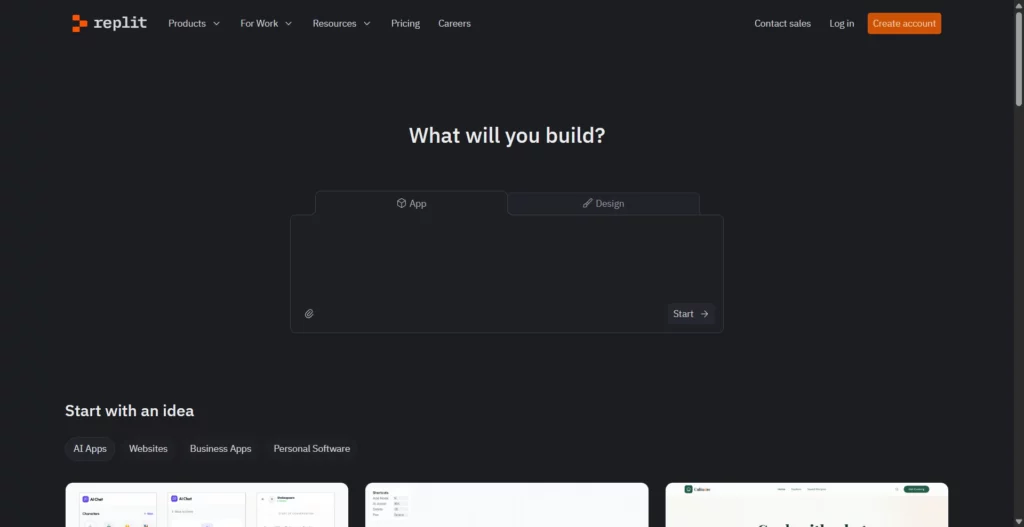
Replit boosts collaboration, with 40M users and Fortune 500 teams reporting 6x productivity, like building 135 apps in 24 hours. SOC 2 compliant, it’s favored for learning in 2025, per case studies.
Agent 3 for autonomous apps, web searches, Figma imports, 3x faster testing. Differs with built-in auth/databases, high-power models for complex tasks.
Pricing:
- Starter (Free): Limited Agent access.
- Core ($20/mo): Full Agent, advanced code gen.
- Teams ($35/user/mo): Collaborative tools.
- Enterprise (Custom): Custom security.
Replit is ideal for teams requiring full-stack cloud development environments, learning communities and educational settings, startups building MVPs without infrastructure concerns, and organizations needing real-time team collaboration with immediate deployment.
9. Cody by Sourcegraph – Best for Code Navigation & Large Codebases
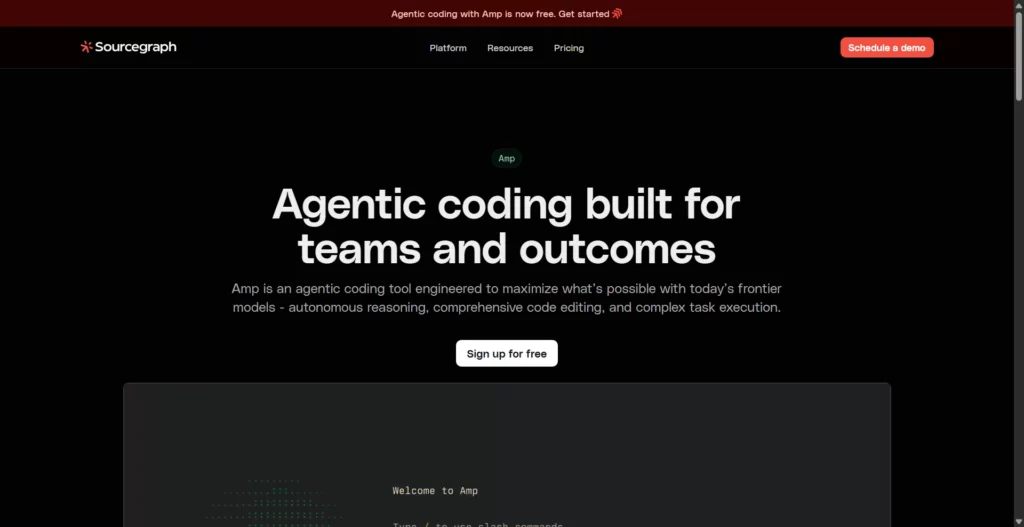
Cody leverages Sourcegraph’s powerful code search infrastructure to provide context-aware AI assistance that understands entire codebases, enabling developers to navigate, comprehend, and modify large enterprise systems with confidence. The combination of Universal Code Search with AI chat creates a powerful tool for teams maintaining legacy systems and large monorepos.
Cody’s core capabilities include hover tooltips, go-to-definition, and find-references functionality that integrates with code intelligence. The platform supports batch changes for coordinated refactoring across repositories, code monitoring, code insights, and automated code refactors. These features make Cody particularly powerful for enterprise codebases where understanding relationships between modules is critical.
Pricing:
- Free Credits: Trial access.
- Enterprise (Custom): Security/compliance for teams.
- Note: No detailed tiers; contact for more.
Cody is best suited for enterprise teams managing large, complex codebases, organizations requiring universal code search capabilities, and development teams needing to navigate and understand interconnected systems quickly.
10. Continue – Best for Open-Source & Customization
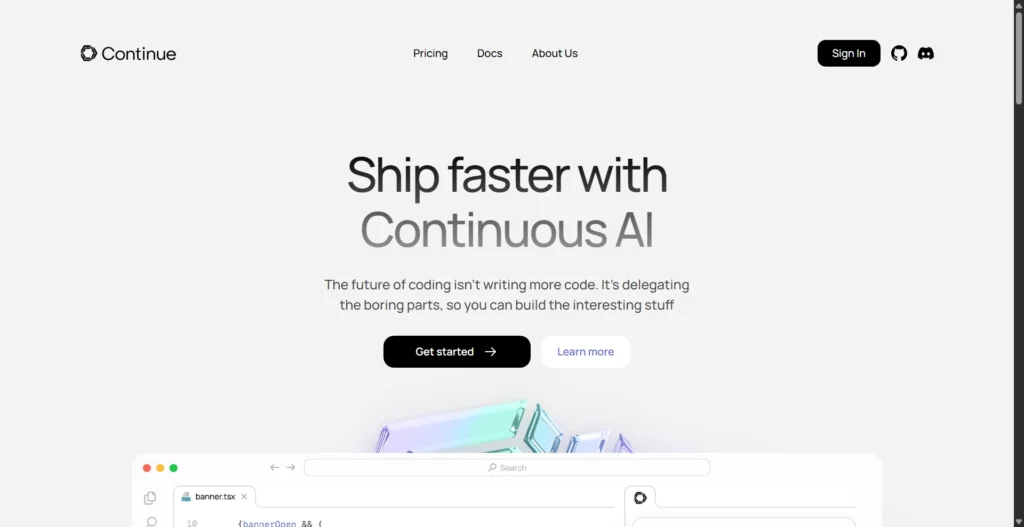
Continue stands apart as an open-source AI coding assistant that gives developers unprecedented control over their AI infrastructure, model selection, and deployment options. With over 26,000 GitHub stars, Continue represents a rapidly growing movement toward open-source AI development tools that prioritize developer agency and privacy.
Continue’s defining feature is complete flexibility in model selection: developers can use OpenAI, Anthropic, Mistral, local models via Ollama, or custom API endpoints. The platform includes inline code autocomplete with project-pattern awareness, advanced code navigation, MCP (Model Context Protocol) tools integration for connecting GitHub, Sentry, and Snyk, and complete deployment flexibility including local execution, CI/CD integration, and terminal mode.
Pricing:
- Free (Open-Source): Full access, no limits.
- Pro/Enterprise (None Specified): Optional support.
- Note: Community-funded.
Continue is ideal for developers prioritizing privacy and control, organizations with strict security requirements, teams wanting to avoid vendor lock-in, and developers comfortable configuring and managing their own AI infrastructure.
11. Qodo – Best for Code Quality & Testing
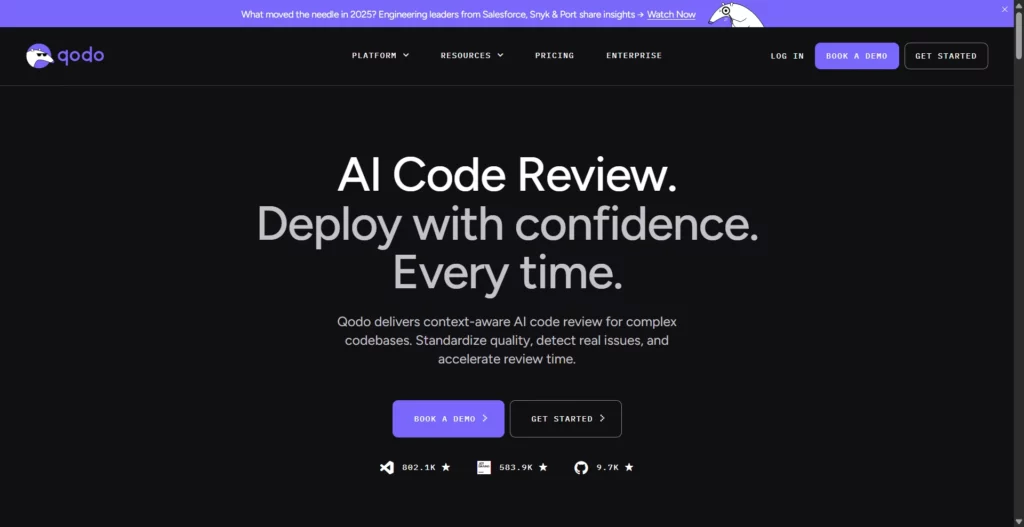
Qodo (formerly Codium AI) has evolved into a comprehensive multi-agent platform focused on code quality, automated testing, and intelligent code review. Rather than just generating code, Qodo ensures the code generated meets quality standards through context-aware test generation and proactive bug detection.
Qodo’s architecture includes multiple specialized agents: Qodo Gen (code and test generation), Qodo Merge (PR automation), and Qodo Command (CLI-based workflows). The platform provides IDE plugin integration, Git PR review automation, CLI tools for agentic workflows, and context engine for multi-repository codebase awareness. Advanced features include security scanning, code monitoring, and custom fine-tuning for enterprise teams.
Pricing:
- Developer (Free): 250 credits/month.
- Teams: 2500 credits/month.
- Enterprise (Custom): Priority support, on-prem.
- Note: Credit-based for operations.
Qodo is best for teams prioritizing code quality, organizations needing automated testing and code review, security-conscious teams requiring proactive bug detection, and enterprises implementing comprehensive SDLC quality control.
12. Devin – Best for Autonomous Development Tasks
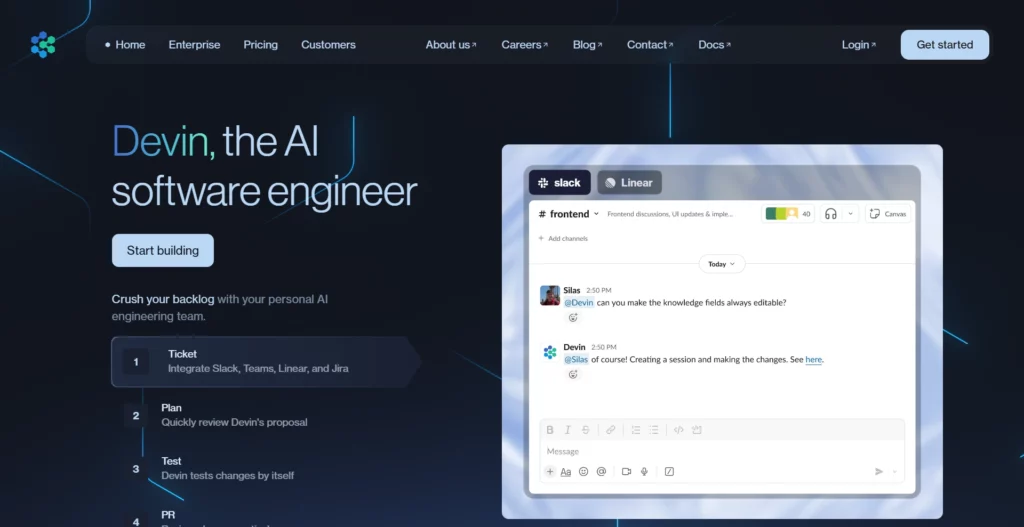
Devin represents the cutting edge of autonomous AI agents, capable of planning, writing, testing, and debugging complete software features with minimal human intervention. Created by Cognition Labs, Devin combines advanced AI reasoning with integrated development tools (shell, editor, browser) to handle multi-step engineering tasks autonomously.
Devin operates through agentic loops: decomposing goals, searching documentation, editing code, running tests, analyzing failures, and iterating until completion. The platform includes integrated terminal, code editor, and browser for realistic development workflows. Devin accepts mid-course feedback from humans, adjusts plans accordingly, and provides progress transparency throughout task execution. The agent can handle feature implementation, bug fixing, test writing, and environment setup.
Pricing:
- Free Trial: Limited access.
- Pro/Enterprise (Custom): For teams.
- Note: Contact for details.
Devin is ideal for teams wanting to offload autonomous multi-step development tasks. It’s also great for startups requiring rapid feature implementation with minimal team overhead. Additionally, engineering organizations exploring autonomous agent capabilities also benefit.
Choosing the right vibe coding tool is less about “which model is best” and more about workflow fit.
- Pick the interaction style first (IDE-first vs. browser-first vs. design-first): If your work lives inside an IDE, you’ll get the most value from assistants that stay close to your repo and editor workflows.
- Validate context strength (multi-file awareness and refactor reliability): The most expensive failures in vibe coding happen when the tool “forgets” constraints across files or changes working code unintentionally. Prefer tools that can consistently reason across your project structure. This matters because controlled experiments show AI copilots can speed up coding tasks when developers can iterate quickly and keep the tool grounded in context, but those gains drop when you fight the assistant’s memory and consistency.
- Prioritize verification features (tests, linting, review, and CI hooks): Treat generation as drafting. The best vibe coding tools make it easy to prove correctness: run tests, generate test cases, propose refactors, and explain changes.
- Assess security and compliance defaults (especially for production work): If you ship customer-facing code, choose tools that support secure workflows. This is important because research has shown AI code assistants can recommend insecure patterns under certain prompting conditions, so your tool choice should make “review + scan + test” the default, not an afterthought.
- Check integration depth (GitHub, issue trackers, observability, docs): A tool becomes “real” when it fits your team’s pipeline. The right integrations reduce manual glue work and keep the assistant operating on up-to-date source of truth.
- Model flexibility and cost control (avoid surprises at scale): Don’t judge pricing by the entry plan alone. Look for predictable limits, clear usage policies, and more. This is also where teams should consider governance, since industry analysis highlights productivity upside alongside the need for process guardrails to prevent rework and risk.
While vibe coding tools accelerate development, it introduces pitfalls that can undermine projects if unaddressed. Awareness of these helps mitigate downsides in 2026’s AI landscape.
- Technical Debt Accumulation (The Hidden Cost): Quick generations prioritize speed over architecture, leading to unoptimized code that scales poorly; surveys indicate 50% of vibe-coded apps need major rewrites within six months.
- Security Vulnerabilities in AI-Generated Code: AI often overlooks exploits like SQL injections, with reports showing 70% of generated code failing basic scans; prompt revisions can degrade security further.
- Scalability & Performance Pitfalls: Tools excel at prototypes but falter on enterprise loads, causing bottlenecks; 2025 studies highlight 40% performance drops in unrefined outputs.
- Maintainability Challenges: The “Black Box” Problem: Opaque AI logic complicates debugging, fostering dependency; experts warn of “vibe coders” struggling with fundamentals.
- Legal & Compliance Concerns (2026 Update): IP ambiguities arise from model training data, risking lawsuits; new regs demand audits for AI code in regulated sectors.
- The Skill Gap Problem: False Confidence in Beginners: Novices gain speed but lack depth, leading to overreliance; research shows biased benefits favoring seniors, widening gaps.
FAQs
Can I use vibe coding for production applications?
Yes, but with caveats. Use vibe coding for the prototype phase, then refactor with traditional approaches for production critical systems. For non-critical features (dashboards, reporting), vibe coding is production-ready with proper testing.
Will vibe coding replace developers?
No. Vibe coding tools are a force multiplier for developers, not a replacement. It accelerates busywork but can’t handle architectural decisions, complex integrations, or security decisions. Developers using vibe coding are more valuable, not obsolete.
What’s the best vibe coding tool for beginners?
Start with Lovable or Replit for simplicity, then graduate to Cursor or GitHub Copilot as you want more control. Avoid Devin or Zencoder initially—they’re for intermediate/advanced users.
Can AI-generated code have security vulnerabilities?
Yes, absolutely. Common issues: SQL injection, XSS attacks, hardcoded secrets, outdated dependencies. Always run security scanning before deploying AI-generated code to production.
Is vibe coding just hype?
Partially justified hype. The underlying AI advances are real (67% faster with Copilot per GitHub data), but vibe coding as a complete philosophy is still maturing. Hybrid approaches (vibe coding + human oversight) are more practical than pure vibe coding.
Can I use multiple vibe coding tools together?
Yes, and it’s recommended. Use Lovable/Bolt.new for initial prototyping, then migrate to Cursor for refinement. Some developers alternate between Bolt.new and Lovable to maximize free credits.
Conclusion
Vibe coding is most useful when you treat AI as a delivery accelerator—not a replacement for engineering judgment. The best vibe coding tools help you move from idea to working code faster, but the results only stay reliable when you keep the loop tight: small changes, clear prompts, readable diffs, tests, and security checks before anything ships.
At Designveloper, we bring that “move fast, stay in control” mindset into real product delivery. We’ve been building web apps, mobile apps, and UX/UI-led products since 2013, and we combine modern AI workflows with the fundamentals that keep software maintainable—clean architecture, QA, and production-grade reviews. That’s the same approach behind products in our portfolio. This includes Lumin, Swell & Switchboard, Walrus Education, Joyn’it, Bonux, and ODC, and it’s also why clients rate us 5.0 on Clutch.
If you want to adopt vibe coding without accumulating hidden debt, we can help you. Explore our projects or start with a quick project estimation to see what a safe, AI-accelerated build looks like in practice.


