


Small business owners wear many hats. That is why the right small business applications can feel like extra teammates. You can manage files, money, marketing, and projects with less stress. In the United States, 99.9% of businesses are small, so tools that save time and reduce mistakes matter every day. Also, cloud software keeps growing, and Gartner expects public cloud spending to reach $723.4 billion in 2025, which helps explain why more teams rely on cloud-first workflows.
At the same time, risk rises, because IBM reports the average breach cost climbed to USD 4.88 million, so secure tools are not optional. AI also moves fast, and one survey found 25% have already integrated AI into daily operations, which makes modern assistants more useful than ever. Finally, online selling stays hot, with global ecommerce sales forecast to hit $6.4 trillion worldwide in 2026, so even local shops benefit from better digital tools.
This guide shares practical picks across productivity, finance, sales, marketing, teamwork, HR, AI, and ecommerce. It also highlights small business apps that many owners call the best app for business management, depending on how you work.

How To Choose the Best Small Business Applications
Start with your daily pain points. Then pick tools that remove friction instead of adding steps. Many owners chase “shiny” features, but simple wins more often.
- Map your core workflows. List what you do every week, like invoicing, follow-ups, content creation, and customer support.
- Choose an “owner” for each tool. One person should set it up, keep it tidy, and train the team.
- Prioritize integrations. Apps work best when they share data, so you avoid double entry.
- Check security basics. Look for strong access controls, audit logs, and admin settings you can actually use.
- Decide between “all-in-one” and “best-of-breed.” An all-in-one app for small business can reduce complexity, but best-of-breed tools can go deeper in one job.
- Test before you commit. Use trials, import a small dataset, and run a real workflow.
| What to evaluate | What to check quickly |
|---|---|
| Ease of use | Can a new hire learn it in one session? |
| Collaboration | Comments, shared access, version history, and notifications |
| Integrations | Email, calendar, payments, accounting, and marketing tools |
| Security | Admin controls, permissions, and clear account recovery |
| Support | Help docs, live support options, and community resources |
Pick tools that match your stage. A solo founder may want fewer tools. A growing team may want better permissions and reporting. Either way, aim for clarity and consistency, because that is what keeps tools useful.
Recommended reading: Why More Companies Are Moving to Docker VPS Hosting Amid Growing Traffic Demands
20 Must-Have Apps for Small Business Owners
This list covers the best apps for small business owners across the tasks you do most. Some are paid. Some are also among the best free apps for small business owners because they offer a solid free tier. Use the sections below to build a stack that fits your team.
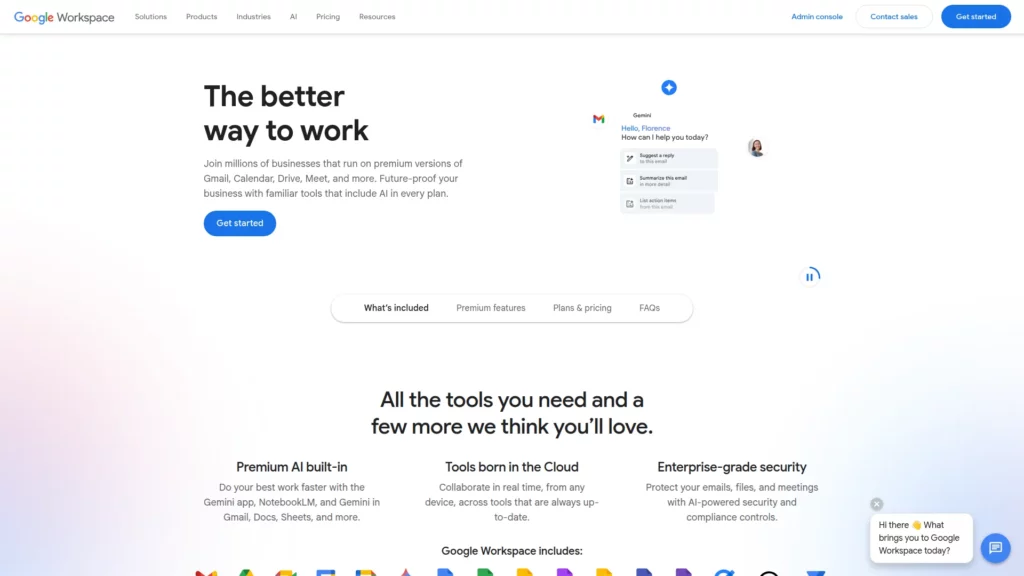
1. Google Workspace (Gmail, Docs, Meet, Drive): All-in-One Productivity Suite for Small Businesses
Google Workspace bundles email, documents, meetings, and storage in one place. Many teams start here because it feels familiar and fast.
Features
- Business email with shared calendars
- Docs and Sheets for real-time editing
- Meet for video calls and screen sharing
- Drive for file storage and sharing
How It Fits as a Small Businesses Application
You can standardize how people write, store, and share work. That reduces chaos as you hire. It also fits teams that collaborate daily.
Price
Paid plans vary by region and features. You can review options on the vendor site.
Pros and Cons
- Pros: Smooth collaboration, strong search, and simple sharing
- Cons: Admin setup takes focus if your team grows
Other Alternatives
Microsoft 365, Zoho Workplace, Proton Mail plus Docs tools.
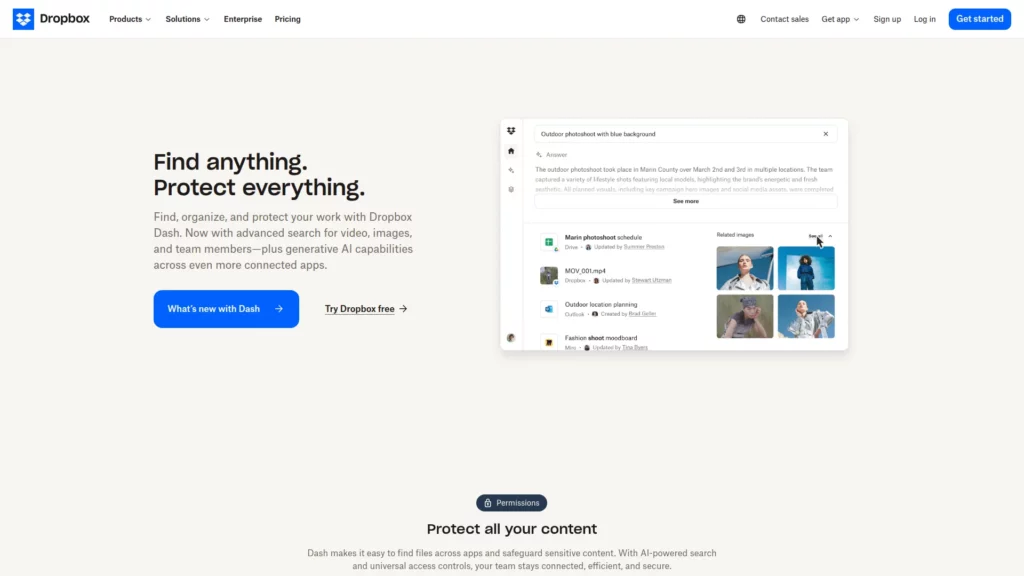
2. Dropbox: Secure File Sharing and Collaboration
Dropbox helps teams store, sync, and share files. It works well when you move large files or collaborate with external partners.
Features
- Folder sharing with permission controls
- File version history for recovery
- Link sharing for clients and vendors
- Backup options for important devices
How It Fits as a Small Businesses Application
You can keep client work organized and easy to access. That helps when you work across devices and locations.
Price
A free tier may fit light use. Paid plans add more controls and storage.
Pros and Cons
- Pros: Reliable syncing and client-friendly sharing
- Cons: Costs can rise when you store many large files
Other Alternatives
Google Drive, Microsoft OneDrive, Box.
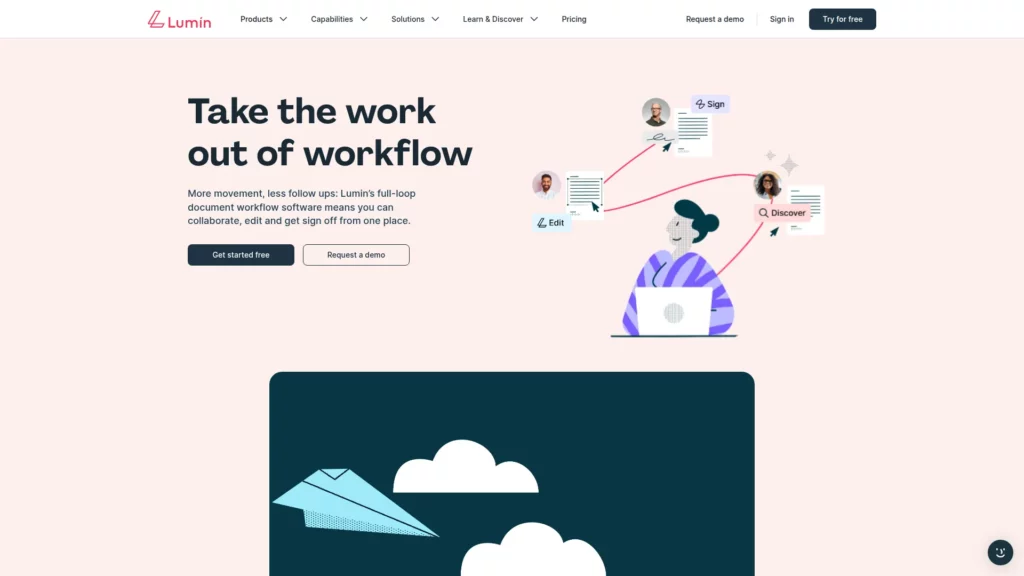
3. Lumin: PDF Editing and Document Collaboration Tool
Designveloper-developed Lumin focuses on PDF editing and signing. It helps when your business handles contracts, forms, and proposals every week.
Features
- Edit text and annotations on PDFs
- Fill forms and add signatures
- Cloud-based access for teams
- Sharing for review and approval
How It Fits as a Small Businesses Application
You can move documents from draft to signature without printing. That speeds up approvals and cuts delays.
Price
Free access may cover basics. Paid plans add more advanced editing and workflow options.
Pros and Cons
- Pros: Simple PDF workflows and easy collaboration
- Cons: Advanced features can depend on plan level
Other Alternatives
Adobe Acrobat, PDFescape, Smallpdf.
Recommended reading: Best Photo Restoration Apps for Colorizing Black and White Photos
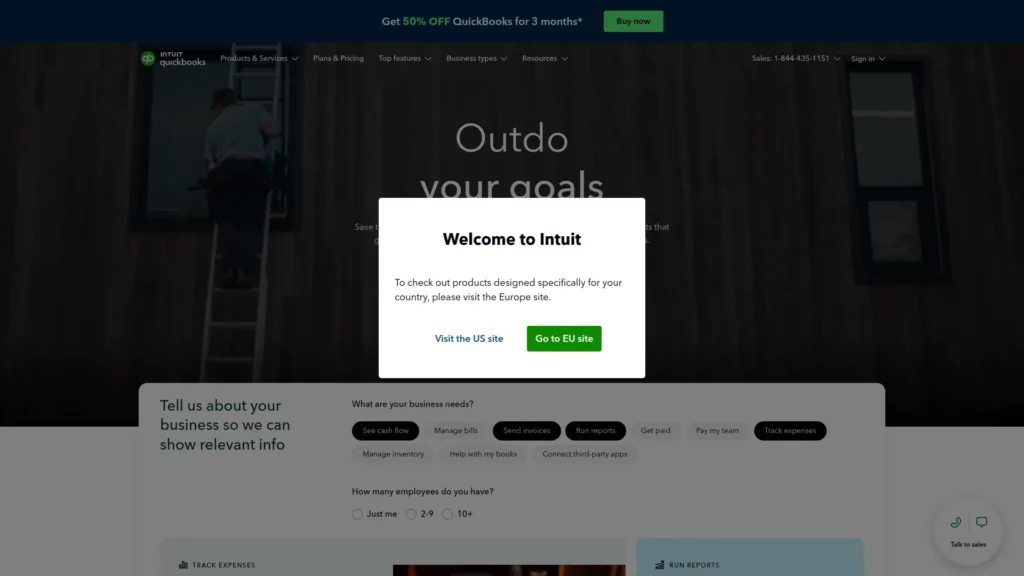
4. QuickBooks: Small Business Accounting Software
QuickBooks helps you track income, expenses, invoices, and reports. It is a common choice for owners who want clear books and smoother tax time.
Features
- Invoicing and payment tracking
- Expense categories and reporting
- Bank connections and reconciliation tools
- Basic cash flow visibility
How It Fits as a Small Businesses Application
You can see where money goes without living in spreadsheets. You also create a cleaner handoff if you work with an accountant.
Price
Plans vary by features and region. Pricing can also change, so verify on the vendor site.
Pros and Cons
- Pros: Strong ecosystem and widely supported by accountants
- Cons: Some teams find the interface busy at first
Other Alternatives
Xero, FreshBooks, Zoho Books.
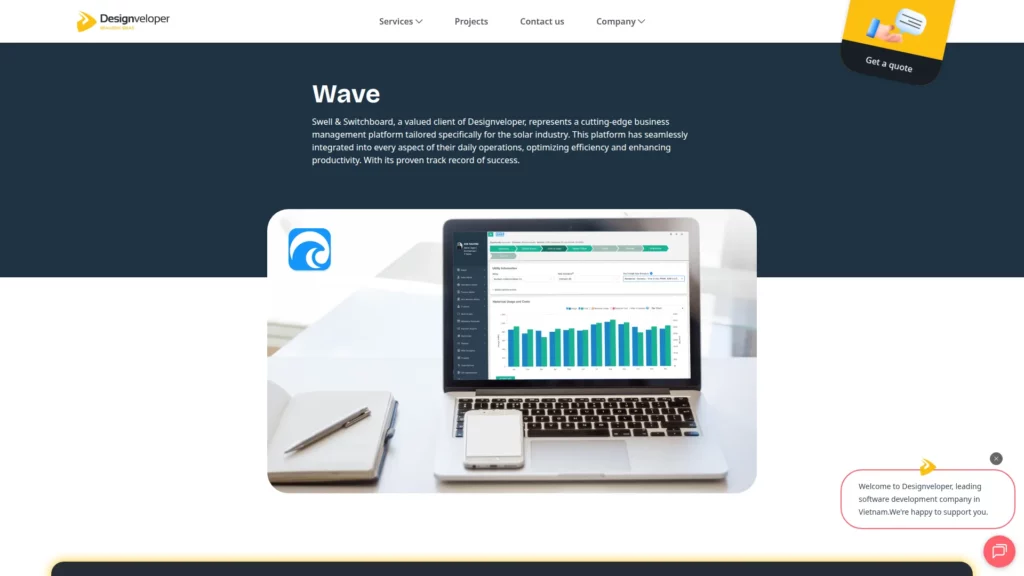
5. Wave: Business Management Platform for the Solar Industry
Another valued client of Designveloper, Wave, targets those looking for a business management platform tailored specifically for the solar industry. It supports teams that need one place to run operations with less friction.
Features
- Central workspace for day-to-day solar workflows
- Collaboration support for cross-team handoffs
- Flexible structure for changing requirements
- Scalable data handling as records grow
How It Fits as a Small Businesses Application
Small solar teams often need speed and clarity. Wave supports that by keeping core work in one place.
Price
Wave pricing depends on your scope and rollout plan. Contact the provider for a quote and onboarding details.
Pros and Cons
- Pros: Built for solar operations, so the workflow feels industry-focused
- Cons: Adoption still needs clear internal ownership and training
Other Alternatives
Aurora Solar, SolarNexus, JobNimbus, OpenSolar.
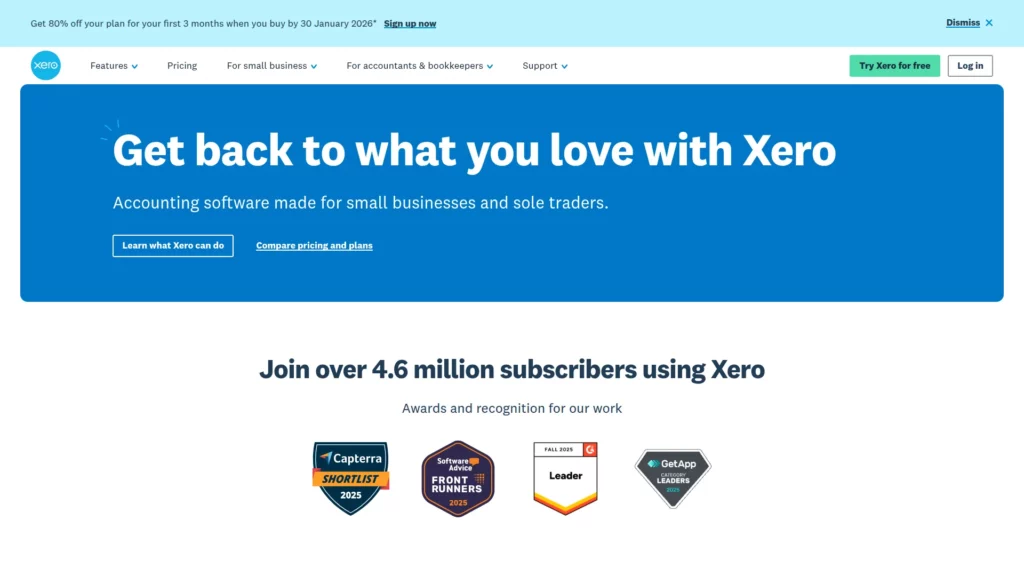
6. Xero: Cloud Accounting Software for Small Businesses
Xero is a cloud accounting platform built for small business owners and bookkeepers. It fits teams that want clean reporting and structured processes.
Features
- Invoicing and bill management
- Bank feeds and reconciliation
- Financial reporting and dashboards
- Integrations with business tools
How It Fits as a Small Businesses Application
You can keep books consistent while you grow. You also give your accountant a clear view without endless back-and-forth.
Price
Paid plans vary by features and market. Check the vendor site for the latest details.
Pros and Cons
- Pros: Clean interface and strong bookkeeping workflows
- Cons: Some features depend on region and add-ons
Other Alternatives
QuickBooks, Sage, Zoho Books.

7. PayPal: Online Payments and International Transactions
PayPal makes it easy to accept online payments. It also helps when you sell across borders or invoice remote clients.
Features
- Payment links and checkout options
- Invoicing tools for services
- Buyer trust and brand familiarity
- Support for many currencies in many markets
How It Fits as a Small Businesses Application
You can get paid faster and look more professional. It also reduces friction for customers who already use PayPal.
Price
Fees vary by transaction type and region. Review the terms on the vendor site.
Pros and Cons
- Pros: Fast setup and broad customer recognition
- Cons: Dispute handling can feel strict for sellers
Other Alternatives
Stripe, Wise Business, Payoneer.

8. Square: Payment Processing and Point of Sale
Square supports in-person selling with payments and point-of-sale tools. It is popular with cafes, salons, and pop-up shops.
Features
- POS tools for sales and receipts
- Basic inventory tracking
- Online payment options for simple stores
- Customer profiles for repeat buyers
How It Fits as a Small Businesses Application
You can sell in person and keep records organized. You also add online selling without rebuilding your whole setup.
Price
Pricing depends on products and payment methods. Confirm on the vendor site.
Pros and Cons
- Pros: Smooth POS experience and quick onboarding
- Cons: Some advanced POS needs require add-ons
Other Alternatives
Clover, Lightspeed, Toast.
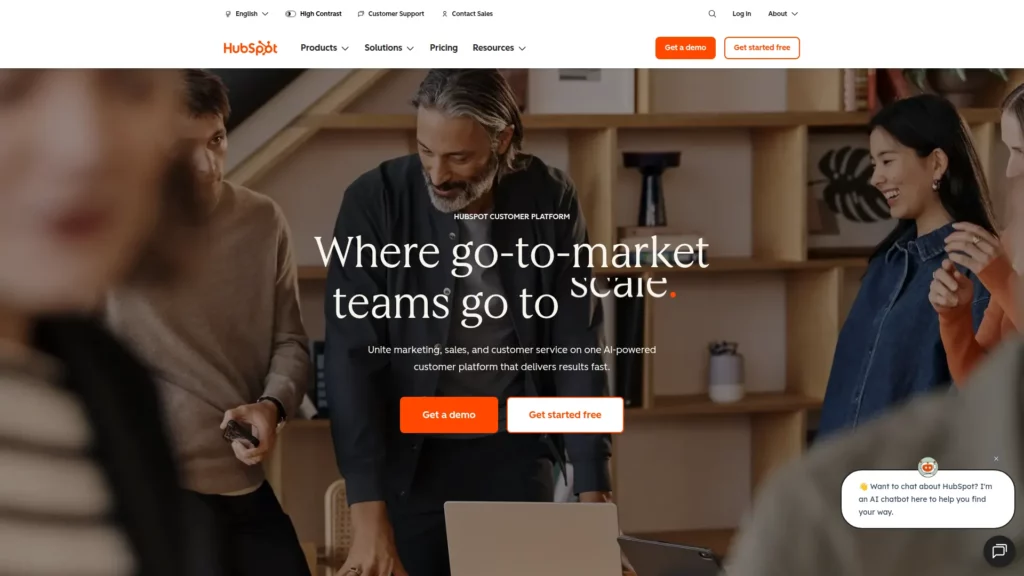
9. HubSpot: All-in-One CRM and Marketing Platform
HubSpot combines CRM, marketing, and customer service tools. It helps you keep customer data in one place and run campaigns with less guesswork.
Features
- Contact and deal tracking
- Email marketing and automation tools
- Landing pages and forms
- Support inbox options for teams
How It Fits as a Small Businesses Application
You can start simple with a CRM, then add marketing as you grow. That makes it a strong option for teams that want one platform.
Price
A free CRM tier can work for basic tracking. Paid tiers unlock more automation and reporting.
Pros and Cons
- Pros: Strong all-in-one structure and clear pipeline view
- Cons: Costs can rise as you add advanced features
Other Alternatives
Pipedrive, Zoho CRM, Salesforce Starter.
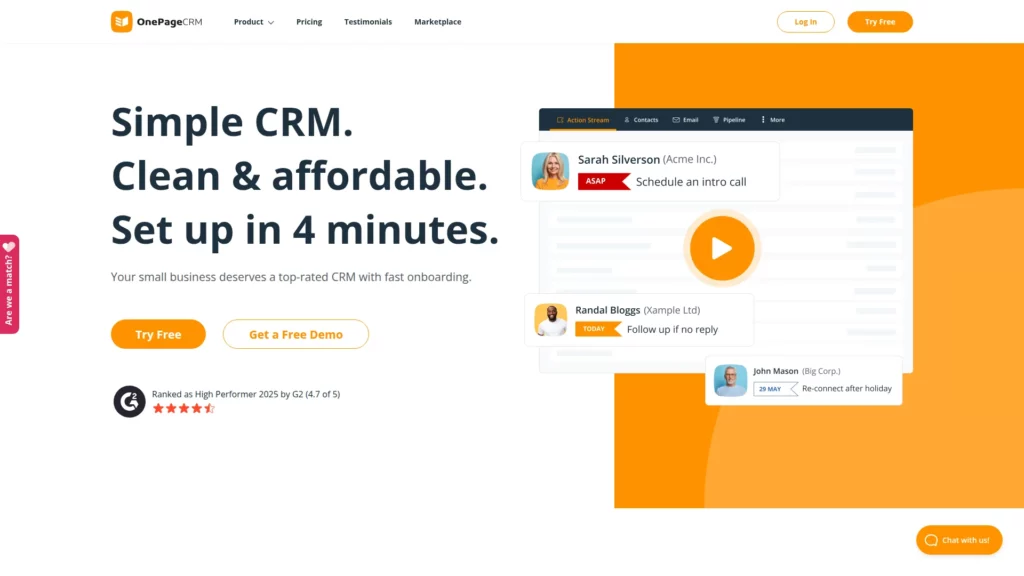
10. OnePageCRM: Action-Focused Sales CRM
OnePageCRM pushes sales teams to take the next action. It works well if you want less “data entry” and more follow-through.
Features
- Next-action sales workflow
- Simple deal and contact management
- Email sync options for outreach
- Notes and reminders for follow-ups
How It Fits as a Small Businesses Application
Small teams win when they stay consistent. This tool keeps sales tasks visible, so leads do not slip through cracks.
Price
Paid plans vary by seat and features. Check the vendor site for current options.
Pros and Cons
- Pros: Clear daily focus and simple pipeline discipline
- Cons: Marketing features are lighter than full suites
Other Alternatives
Pipedrive, Close, Capsule CRM.
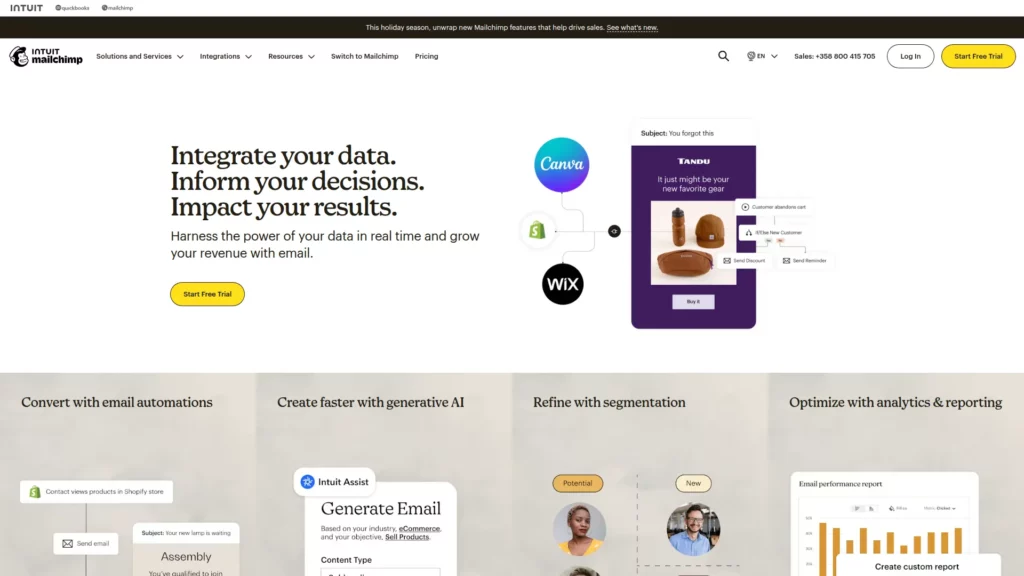
11. Mailchimp: Email Marketing and Automation Platform
Mailchimp helps you build email lists and run campaigns. It suits small teams that want templates, automation, and reporting in one place.
Features
- Email templates and drag-and-drop builder
- Automations for welcome and follow-up flows
- Audience segmentation tools
- Basic analytics for performance
How It Fits as a Small Businesses Application
Email still drives repeat sales for many businesses. This tool helps you stay consistent without hiring a full marketing team.
Price
A free tier may fit very small lists. Paid tiers add more automation and support.
Pros and Cons
- Pros: Easy setup and strong template library
- Cons: Advanced segmentation can require higher tiers
Other Alternatives
Klaviyo, Brevo, ConvertKit.
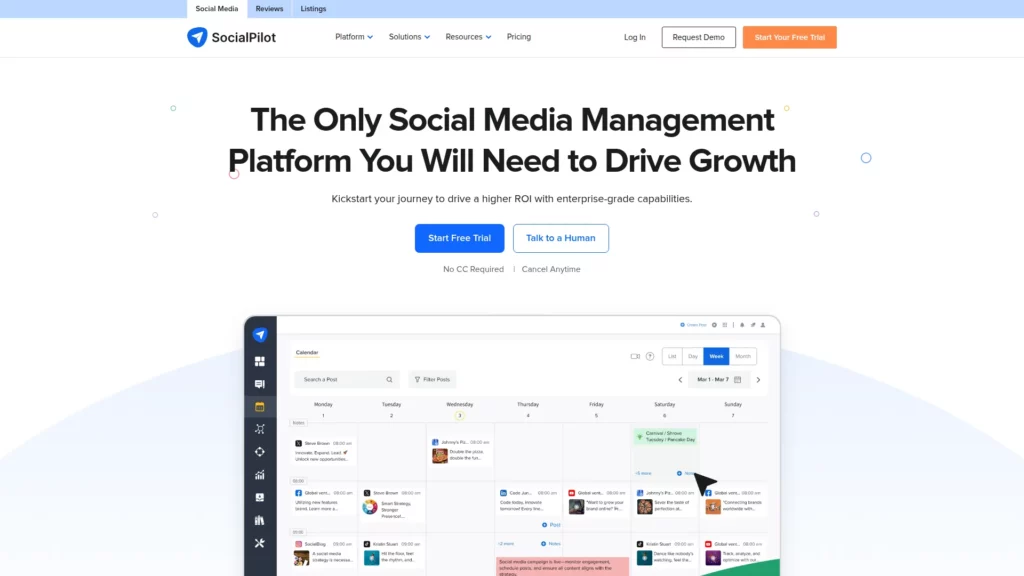
12. SocialPilot: Social Media Scheduling and Analytics Platform
SocialPilot helps you schedule posts and manage multiple social accounts. It fits teams that need a repeatable content rhythm.
Features
- Scheduling and publishing workflows
- Content calendar for planning
- Team approvals for quality control
- Analytics and reporting summaries
How It Fits Small Businesses
You can batch content work, then publish consistently. That saves time and keeps your brand visible.
Price
Paid plans vary by accounts and features. Review details on the vendor site.
Pros and Cons
- Pros: Good planning flow and team-friendly approvals
- Cons: Some networks and features can vary by plan
Other Alternatives
Buffer, Hootsuite, Later.
13. Canva: Graphic Design Made Simple
Canva helps non-designers create marketing visuals fast. It covers social posts, flyers, presentations, and brand kits.
Features
- Templates for common business formats
- Brand kit for fonts and colors
- Team sharing and version control
- Export options for print and web
How It Fits as a Small Businesses Application
You can keep branding consistent without a full-time designer. That matters when you publish often.
Price
A strong free tier exists. Paid tiers add more assets and team controls.
Pros and Cons
- Pros: Fast design output and easy brand consistency
- Cons: Complex custom design work can feel limiting
Other Alternatives
Adobe Express, VistaCreate, Figma.
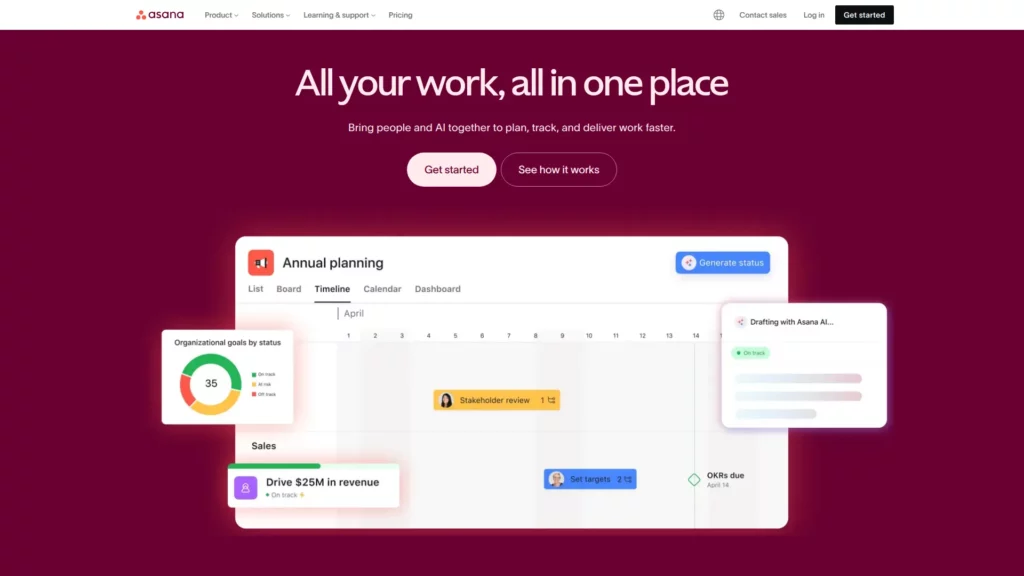
14. Asana: Project Management and Team Collaboration
Asana helps teams manage projects with tasks, timelines, and responsibilities. It fits marketing, operations, and product teams.
Features
- Task assignments and due dates
- Project views like list and timeline
- Templates for repeatable workflows
- Notifications to keep work moving
How It Fits as a Small Businesses Application
You gain clarity on who does what and when. That reduces last-minute surprises and missed handoffs.
Price
A free tier can cover small teams. Paid tiers add reporting and advanced controls.
Pros and Cons
- Pros: Strong structure for cross-team projects
- Cons: Setup takes effort if you want clean workflows
Other Alternatives
Monday.com, ClickUp, Basecamp.
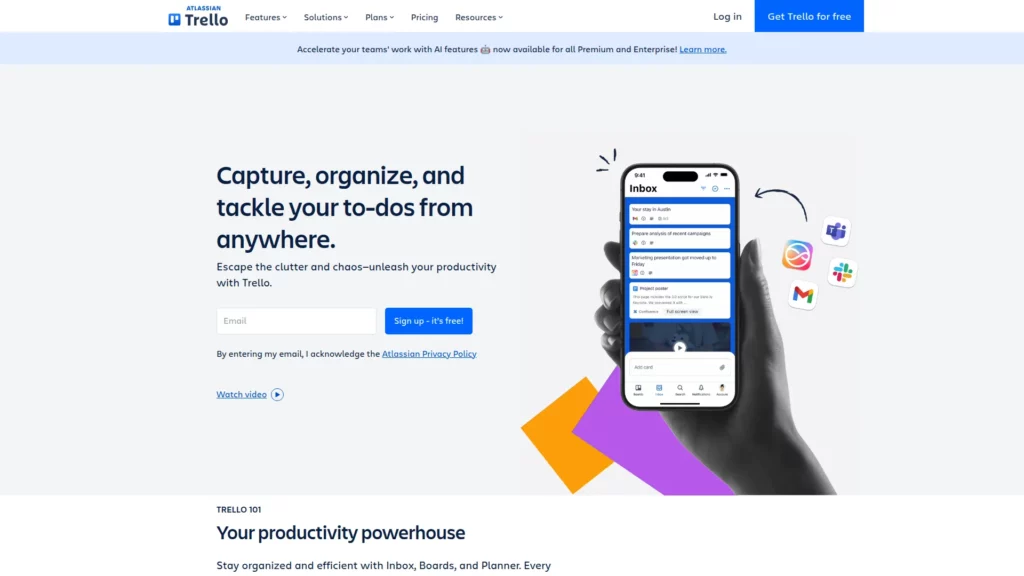
15. Trello: Best Business Task Management App
Trello uses boards and cards to manage tasks visually. It works great for lightweight planning and quick team updates.
Features
- Boards for projects and workflows
- Cards for tasks, notes, and checklists
- Labels and filters for prioritization
- Integrations to connect other tools
How It Fits as a Small Businesses Application
You can start fast and stay organized. It also suits teams that prefer visual tracking over spreadsheets.
Price
A free plan can be enough for basic boards. Paid tiers add more controls and automation.
Pros and Cons
- Pros: Simple, visual, and easy to onboard
- Cons: Complex projects can outgrow the board model
Other Alternatives
Asana, Notion, Jira Work Management.
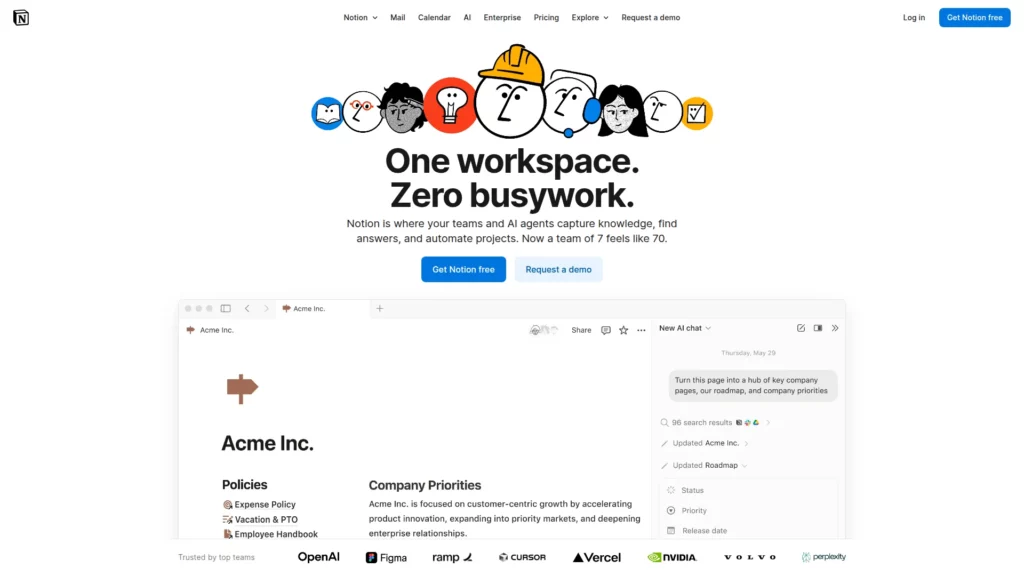
16. Notion: All-in-One Workspace for Productivity
Notion combines docs, databases, wikis, and task tracking. It can replace scattered notes and messy folders.
Features
- Pages for documentation and SOPs
- Databases for clients, tasks, and content
- Templates for repeatable systems
- Collaboration with comments and mentions
How It Fits as a Small Businesses Application
You can build one hub for “how we work.” That helps new hires ramp up faster and reduces repeated questions.
Price
A free plan exists for individuals and light use. Paid tiers add team and admin features.
Pros and Cons
- Pros: Flexible and powerful for building internal systems
- Cons: Too much flexibility can lead to messy setups
Other Alternatives
Confluence, Coda, Google Sites plus Docs.
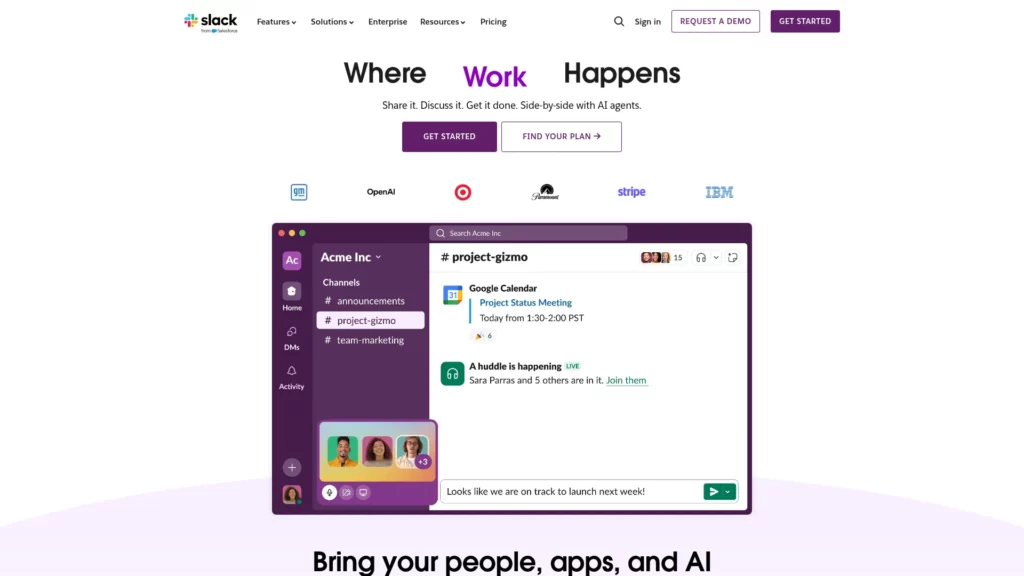
17. Slack: Business Communication and Collaboration Platform
Slack organizes messages by channels. It reduces email clutter and speeds up team decisions when used with good habits.
Features
- Channels for teams and projects
- Searchable message history
- File sharing and quick calls
- App integrations for alerts and updates
How It Fits as a Small Businesses Application
You keep conversations visible and searchable. That helps when work moves fast and people need context.
Price
A free tier supports basic messaging. Paid tiers add more history and admin options.
Pros and Cons
- Pros: Fast communication and strong integrations
- Cons: Can distract teams without clear channel rules
Other Alternatives
Microsoft Teams, Google Chat, Discord for communities.
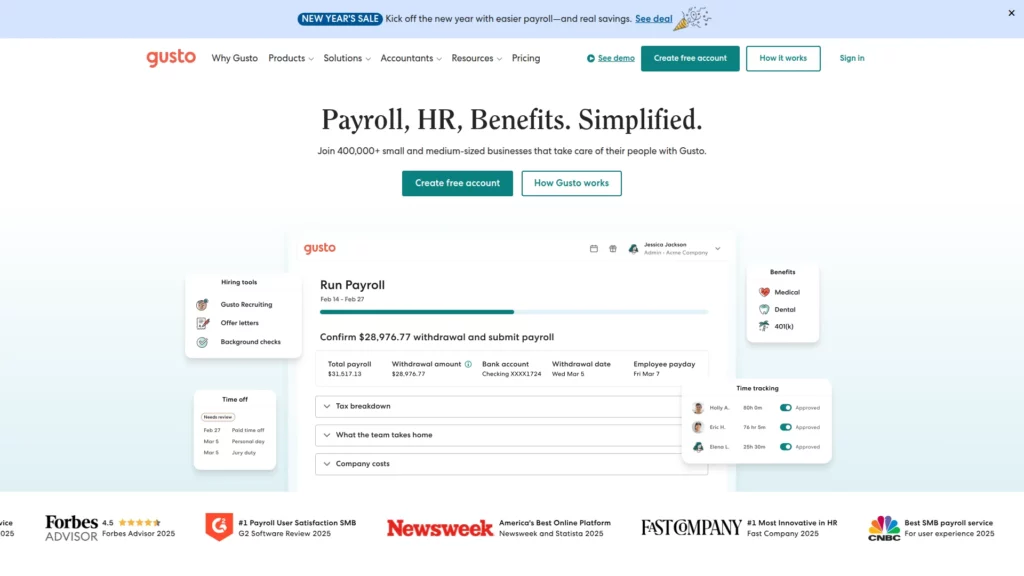
18. Gusto: Payroll, Benefits and HR for Small Businesses
Gusto supports payroll and HR workflows. It also helps with onboarding and employee documentation.
Features
- Payroll runs and pay stubs
- Employee onboarding workflows
- Time tracking options in some plans
- HR tools for documents and policies
How It Fits as a Small Businesses Application
Payroll mistakes cost time and trust. This tool helps you standardize HR basics as your team grows.
Price
Pricing varies by team size and features. Check the vendor site for the latest terms.
Pros and Cons
- Pros: Streamlined payroll and cleaner onboarding
- Cons: Availability and features can vary by location
Other Alternatives
Rippling, ADP, Paychex.
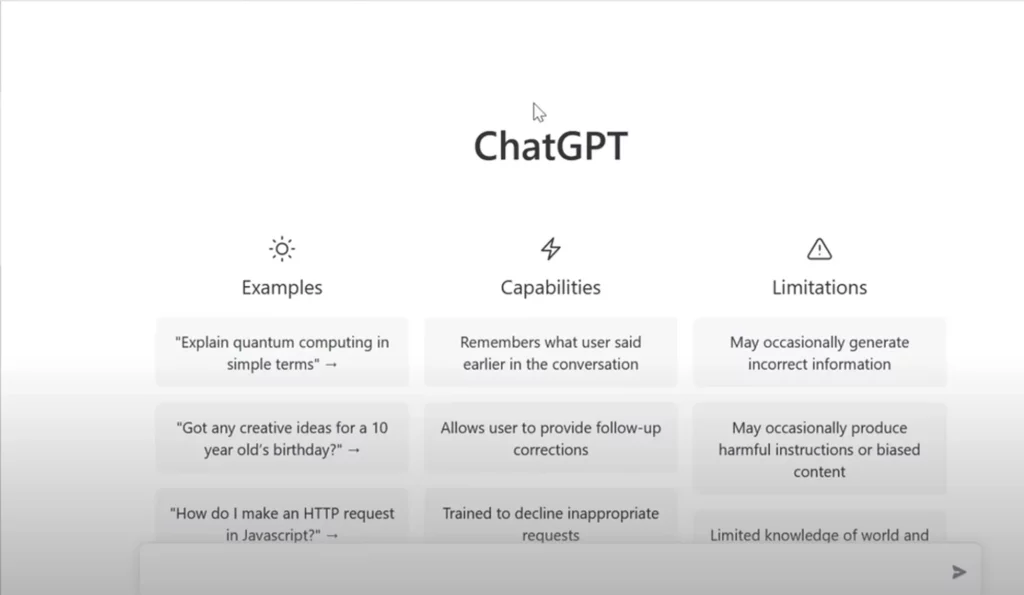
19. ChatGPT: AI-Powered Business Assistant
ChatGPT helps you draft content, brainstorm ideas, and summarize information. It can also support customer replies and internal documentation.
Features
- Draft emails, proposals, and FAQs
- Rewrite content in a clearer tone
- Create outlines and checklists quickly
- Explain complex topics in simple language
How It Fits as a Small Businesses Application
You can move faster with less mental load. It also helps owners who do not have dedicated writers or analysts.
Price
A free tier exists, and paid tiers add more capability. Plans can change, so confirm on the vendor site.
Pros and Cons
- Pros: Fast drafts and strong support for many tasks
- Cons: You must review outputs for accuracy and brand tone
Other Alternatives
Gemini, Claude, Perplexity.

20. Shopify: Complete E-Commerce Platform
Shopify helps you launch and run an online store. It covers products, checkout, and many add-ons for growth.
Features
- Storefront and product management
- Checkout and payment options
- Order and shipping workflows
- App ecosystem for extra features
How It Fits as a Small Businesses Application
You can sell online without building a site from scratch. It also supports brands that want to scale with marketing and fulfillment tools.
Price
Paid plans vary by market and features. Review current pricing on the vendor site.
Pros and Cons
- Pros: Fast launch and strong ecosystem
- Cons: Apps and add-ons can increase total costs over time
Other Alternatives
WooCommerce, BigCommerce, Wix eCommerce.
FAQs about Small Business Applications
1. Are free small business apps worth using?
Yes, free tools can be worth it when you have a clear need and a simple workflow. They help you test a system without risk. However, you should watch for limits on storage, users, or automation. Also, plan your upgrade path early, so you do not get stuck later.
2. What’s the difference between small business apps and enterprise software?
Small business apps focus on speed and ease of use. They often require less setup and fewer admins. Enterprise software focuses on deep controls, complex reporting, and strict governance. It can also demand longer onboarding and higher costs. Many growing teams start with small business apps, then add enterprise-grade tools only where needed.
3. Can small business apps scale as the business grows?
Many can scale if you set rules early. Start with clear naming, folders, and permissions. Then document key workflows, so new hires follow the same process. If your team outgrows a tool, switch with a migration plan, not a panic move. In practice, a lean stack with strong habits often scales better than a large stack with weak habits.
Choosing the right small business applications is less about trends and more about fit. Pick tools that match your daily work, connect well, and stay secure. Then keep your stack simple, so your team actually uses it. With the apps above, you can build a system that supports growth, reduces mistakes, and frees time for the work that earns revenue.
Conclusion
Good small business applications do more than save time. They remove friction. They also help you run with clarity as you grow.
At Designveloper, we help owners turn a scattered tool stack into one working system. We design, build, and integrate the software your team uses every day. We also back it with real delivery history, including over 100 successful projects, partnered with 50+ long-term clients and logged over 500,000 working hours across 15+ countries and 20+ industries. So you get a partner who understands real operations, not just code.
We have built products like Lumin, ODC, Swell & Switchboard, and HANOI ON, so we know how to ship secure, user-friendly software that teams can actually adopt. We also maintain strong third-party credibility, with a 4.9 rating on Clutch. If you want the best app for business management for your workflow, we can help you pick the right tools, connect them cleanly, and build custom features when off-the-shelf apps fall short.


