


Mobile app teams now ship into a market worth $281.52 billion in 2024, where users expect fast, secure, and polished experiences on every device. To keep up, developers rely on powerful mobile app development software and modern IDEs that automate builds, testing, and even AI-assisted coding. This guide breaks down what these tools are, how they work, and how eight leading products compare on features and pricing so teams can pick the right stack with confidence.
What Is Mobile App Development Software?
1. Definition Of Mobile App Development Software
Mobile app development software is a set of tools that helps developers design, code, test, and deploy mobile applications. It typically integrates an IDE, SDKs, debuggers, and emulators or simulators into a single workflow. Templates, UI builders and analytics or cloud service integrations are also included with many tools.
The basic building blocks of mobile toolchain are most teams using an IDE, or integrated development environment. In the IDE, code editing, search, refactoring, build automation and debugging are offered within a single window. Around this, mobile app development software adds device-specific APIs, packaging tools, and publishing helpers for app stores.
This category keeps growing. The global mobile app development software market was valued at USD 13,500.75 million in 2024, and demand is rising as more businesses build mobile-first products.
2. Software Versus Platform In Mobile Development
It helps to separate mobile app development software from mobile platforms. The larger ecosystem is a platform: operating system, hardware, app store, and official services. Examples are Android, iOS and cross platform stacks such as Flutter or React Native.
The software is housed within that platform. Android Studio is an example of an IDE that operates on the more general Android platform. Xcode is equivalent within the Apple ecosystem of iOS, iPadOS, MacOS, tvOS and watchOS. The software provides developers with tangible tools; the platform determines the locations where applications can be deployed and the ways to make them available to users.
Think of it this way. A platform establishes regulations, APIs and distribution channels. Mobile app development software helps developers follow those rules, write code that uses those APIs, and package builds that pass app store validation. Mostly teams combine multiple tools across platforms, but one primary ecosystem per app.
3. Types Of Mobile App Development Software
Modern teams do not rely on a single type of tool. Instead, they combine several categories of mobile app development software:
- Native IDEs: Tools like Android Studio and Xcode that focus on one platform and use its official SDKs.
- General-purpose IDEs and editors: Tools such as Visual Studio Code or AppCode that support multiple languages and frameworks with extensions.
- Game engines: Engines like Unity that target mobile and non-mobile platforms with advanced 2D and 3D capabilities.
- Low-code builders: Platforms such as AppSheet that let users design flows and data models visually but still require some technical thinking.
- No-code builders: Tools like Softr or BuildFire that focus on drag-and-drop interfaces, templates, and connectors so non-developers can ship apps.
Choosing between them depends on app complexity, performance needs, team skills, and long-term ownership. Native IDEs give maximum control. Low-code and no-code tools reduce time to market but may limit deep customization.

How Mobile App Development Software Works
1. Core Components: IDE, SDK, And Tooling
Most mobile app development software centers on an IDE. IDE supports editing, project structure, search, refactoring and debugging. Android studio, e.g., provides the experience of the editor, Gradle build system and Android SDK in one environment.Xcode provides a similar experience on Apple platforms including simulators and profiling tools.
The SDKs offer the actual connection to devices. They contain compilers and platform libraries and build and sign app package command-line tools. Emulators and simulators assist in testing apps without hardware, whereas device managers deal with USB connected phones and tablets, and network connected devices.
On top of this, mobile app development software usually integrates version control, package managers, and third-party services. Popular IDEs are integrated with Git and have dependency tools, such as Gradle or CocoaPods and integrations with crash reporting, analytics, or CI/CD services.
2. Typical Workflow From Idea To App Store
Although every team has its own flavor, most mobile app workflows follow a similar pattern:
- Plan and design: Teams define requirements, UX flows, and data models. They might prototype screens in design tools before opening an IDE.
- Set up the project: Developers create a new app in their chosen mobile app development software, pick templates, and configure the project structure.
- Code features: They implement screens, navigation, and business logic. IDE features like code completion, refactoring, and linting help keep code clean and consistent.
- Integrate services: Apps connect to APIs, databases, push notifications, and payment gateways using SDKs and libraries.
- Test and debug: Teams run automated tests, step through code with a debugger, and profile performance on emulators and devices.
- Build and sign: The software compiles code, packages resources, and signs binaries with the correct certificates or keystores.
- Release and monitor: Finally, teams upload builds to app stores and then watch crash reports, performance metrics, and usage analytics.
Beyond initial launch, this workflow repeats with updates and experiments. Strong mobile app development software makes every loop faster and more reliable.
3. AI, Cloud, And The Next Generation Of IDEs
AI and cloud services now shape how mobile app development software works. Android Studio ships tight integration with Gemini, which acts as an AI coding companion inside the Xcode and adds generative intelligence features for code completion and UI assistance.
These shifts mirror market trends. The mobile app market is expanding along with AI usage, and mobile AI apps alone reached 3.3 billion downloads in 2024, highlighting how AI features influence user demand.
Cloud backends and serverless tools also integrate directly into IDEs and no-code platforms. Developers can deploy APIs, authentication, and storage without leaving their main mobile app development software. This convergence reduces friction and lets smaller teams ship complex products faster.
Best Mobile App Development Software
There are thousands of tools in the ecosystem, but a handful of products appear again and again in professional workflows. Before diving into the details, here is a quick overview of eight widely used options for mobile app development.
| Tool | Type | Primary Use Cases | Platforms Targeted | Pricing Overview |
| Android Studio | Native IDE | Android apps, Kotlin/Java projects | Android phones, tablets, wearables, TV, Auto | Free to download; costs arise from Google Play fees and infrastructure |
| Xcode | Native IDE | iOS, iPadOS, macOS, watchOS, tvOS apps | Apple devices and App Store ecosystem | Free on macOS; distribution requires an Apple Developer account |
| AppCode | Smart IDE | Swift/Objective-C development, legacy Apple projects | Apple platforms | Discontinued commercial product; existing users have fallback licenses |
| Visual Studio Code | Code editor / lightweight IDE | Cross-platform apps, hybrid stacks, tooling scripts | Android, iOS, web, desktop via frameworks | Free editor with extensions that add mobile and cloud support |
| Unity | Game engine | 2D/3D games, AR/VR, rich interactive apps | Mobile, console, desktop, XR | Free tier for small teams plus paid subscriptions for larger studios |
| BuildFire | No-code builder | Branded apps for content, events, membership, internal tools | iOS, Android, sometimes PWA | Subscription pricing with several tiers for different usage levels |
| AppSheet | Low-code / no-code platform | Data-driven business apps, field operations, workflows | Android, iOS, web via PWAs | Per-user licensing with free prototype tier |
| Softr | No-code web and app builder | Client portals, internal tools, lightweight web apps with mobile-friendly UI | Primarily web, often used as mobile-friendly web apps | Free tier plus paid plans with higher limits and advanced features |
With this landscape in mind, the sections below explain how each mobile app development software option works, who it fits, and what teams can expect in terms of features, pricing, pros, and cons.
1. Android Studio
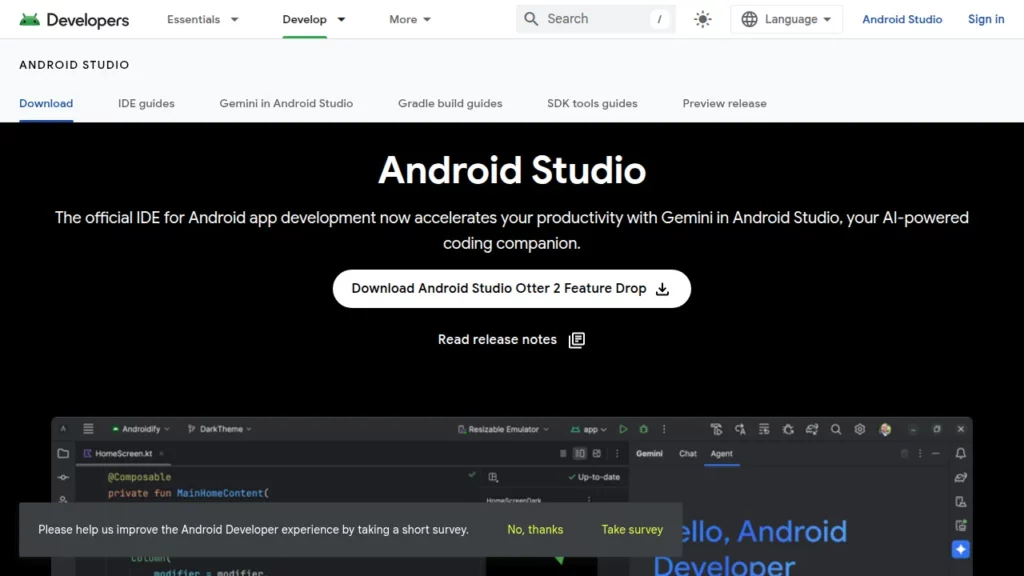
Android Studio is Google’s official IDE for building Android apps in Kotlin and Java. It bundles the Android SDK, emulators, templates, and a deep integration with the latest Android APIs.
Feature:
- Rich code editor with Kotlin-first support, refactoring tools, and real-time lint checks.
- Built-in layout editor with visual previews across screen sizes and device types.
- Integrated emulators for phones, tablets, foldables, wearables, TV, and Android Auto.
- Gradle-based build system with variant management for flavors like free, paid, or beta builds.
- Profilers for CPU, memory, and network usage to optimize performance.
- Integrated AI assistance via Gemini to generate code, explain snippets, or refactor functions within the IDE.
Pricing:
Android Studio itself is free. Costs arise from infrastructure, such as cloud backends and device farms, and from distribution, such as Google Play’s standard revenue share and test device budgets. For many indie developers, the IDE remains one of the most cost-effective ways to enter the mobile market.
Pros and Cons:
- Pros: Official support from Google, first access to new Android APIs, excellent Kotlin tooling, strong debugging and profiling tools, and a mature plugin ecosystem.
- Cons: Heavy resource usage on older machines, Gradle configuration can be complex, and it focuses mainly on Android rather than truly multi-platform stacks.
2. Xcode
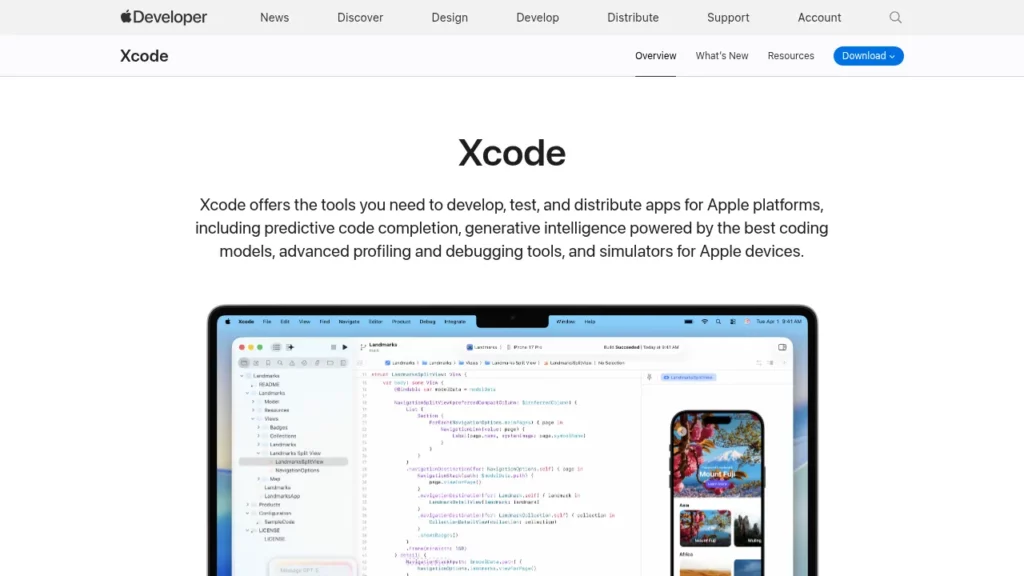
Xcode is Apple’s primary IDE for building apps across iOS, macOS, watchOS, and tvOS using Swift or Objective-C. It is designed as an all-in-one environment for coding, testing, and shipping to the App Store.
Feature:
- Code editor with predictive completion, symbol navigation, and integrated documentation.
- SwiftUI previews and Interface Builder for visual design of layouts and components.
- Device simulators that cover the range of Apple hardware, including the latest phones and tablets.
- Advanced profiling via Instruments for performance, energy usage, and memory leaks.
- Built-in tools for signing, notarization, and App Store submission.
- Early access to Apple’s platform features, such as visionOS or new privacy APIs, through beta releases.
Pricing:
Xcode is free to download on macOS. Teams pay for the Apple Developer Program when they want to publish apps or access some advanced distribution and testing features. For most small teams, this annual fee is modest compared with development and marketing budgets.
Pros and Cons:
- Pros: Deep integration with Apple’s platform, strong Swift support, and streamlined App Store workflows.
- Cons: macOS-only, a learning curve for signing and provisioning profiles, and limited cross-platform options compared with more general IDEs.
3. AppCode
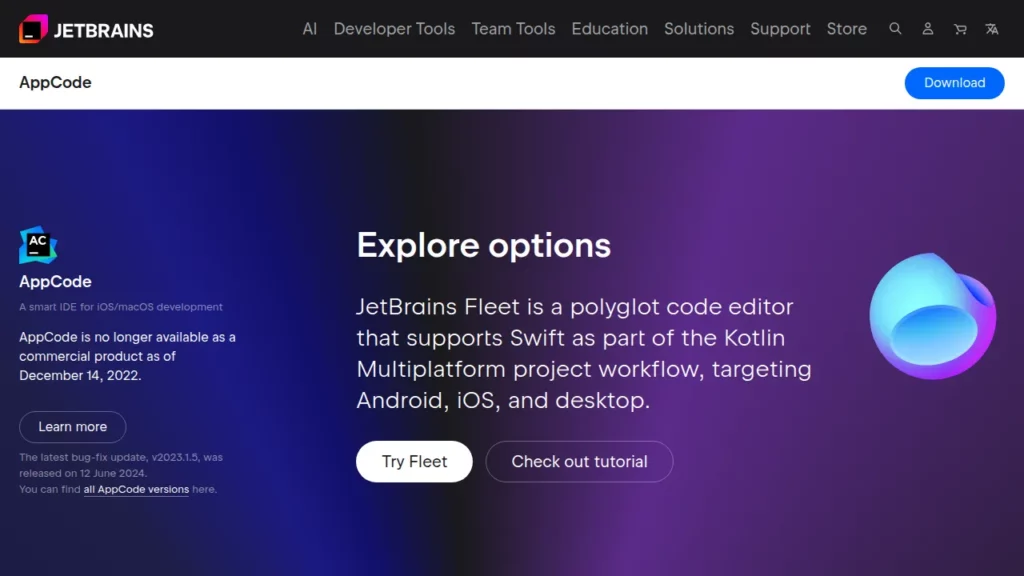
AppCode is a JetBrains IDE for Swift, Objective-C, and C++ aimed at developers in the Apple ecosystem. It focuses on smart code completion, refactoring, and navigation for large codebases.
Feature:
- JetBrains-style editor with powerful refactoring tools and inspections for Swift and Objective-C.
- Integration with Xcode projects, letting developers switch between IDEs when needed.
- Support for unit testing frameworks commonly used in iOS and macOS projects.
- Code style tools, code generation, and structural search and replace for big refactors.
Pricing:
AppCode is no longer sold as a commercial product. JetBrains ended new sales and renewals on December 14, 2022, and existing subscribers received fallback licenses to the final version. Teams that still use AppCode typically do so for legacy projects and rely on other JetBrains IDEs or Xcode for new work.
Pros and Cons:
- Pros: Excellent refactoring experience, consistent JetBrains interface for teams already using IntelliJ-based tools, and strong static analysis.
- Cons: End-of-life status, no new features, and limited future support, which makes it risky for new long-term projects.
4. Visual Studio Code (VS Code)
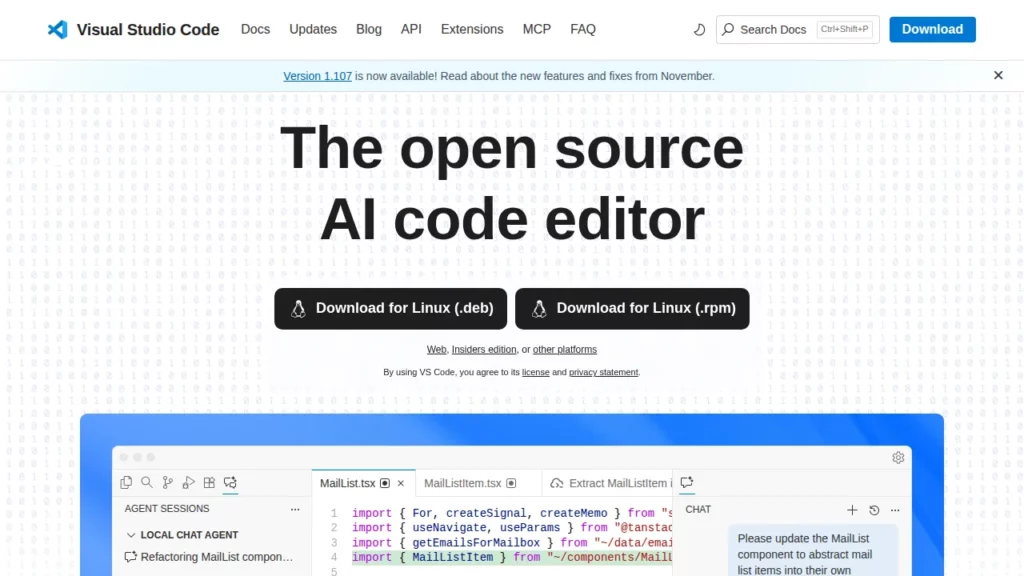
Visual Studio Code is a lightweight yet powerful code editor that many teams treat as a flexible IDE. Through extensions, it adapts to almost any mobile stack: React Native, Flutter, Ionic, Capacitor, Kotlin Multiplatform, and more.
Feature:
- Fast, cross-platform editor with built-in Git integration and debugging tools.
- Marketplace with thousands of extensions for languages, frameworks, linters, and test runners.
- Support for remote development, containers, and cloud-hosted environments.
- Rich ecosystem of mobile-specific extensions for React Native, Flutter, Dart, Android tools, and iOS tooling.
- Native support for modern AI coding assistants from several providers.
Pricing:
VS Code is free and open source. Organizations may incur costs for proprietary extensions, managed cloud workspaces, or integrated services, but the base editor remains free to download and use.
Pros and Cons:
- Pros: Runs on all major desktop platforms, adapts to many stacks, and integrates with leading AI assistants. It also remains the most widely used IDE or editor, with 75.9% of developers using it as their main environment in the 2025 Stack Overflow survey.
- Cons: Requires extensions for many mobile workflows, lacks platform-specific wizards and emulators out of the box, and can become heavy with many plugins installed.
5. Unity
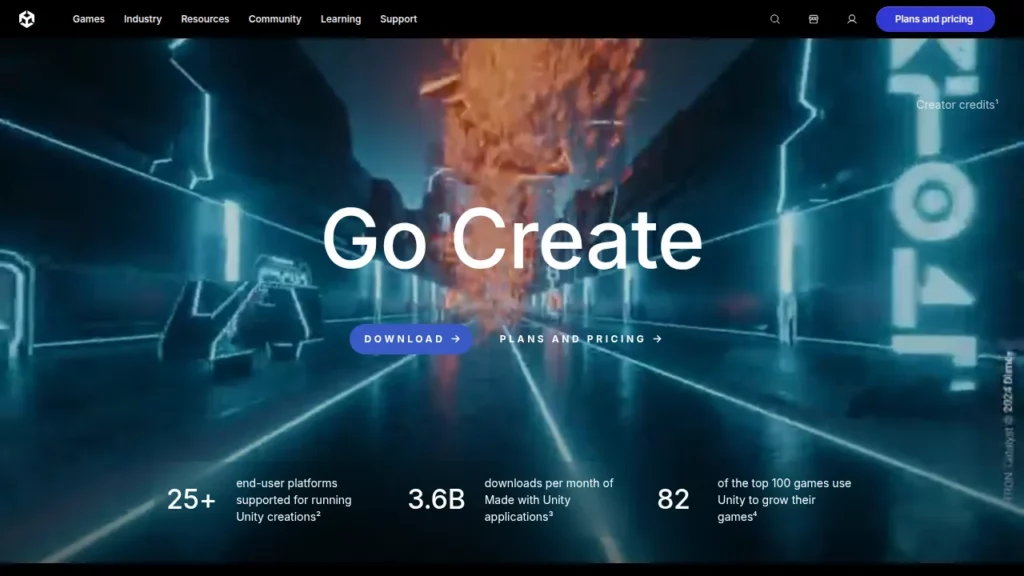
Unity is a widely used game engine and real-time 3D platform. It is popular for mobile games and also powers interactive experiences, AR apps, and simulations across many platforms.
Feature:
- Scene editor for building 2D and 3D worlds with physics, lighting, and animation.
- C# scripting API for gameplay logic, tools, and editor extensions.
- Support for mobile, console, desktop, and XR platforms from a single project.
- Asset Store with thousands of ready-made models, shaders, tools, and plugins.
- Analytics, monetization tools, and services for live operations.
- Recent pricing changes and security updates that highlight the importance of keeping the editor and runtime up to date.
Pricing:
Unity’s business model combines a free Personal tier for teams under $200,000 in annual revenue with paid subscriptions for larger studios. For professional work, Unity Pro remains a common choice, and one recent analysis highlights a typical cost of $2,200 per seat annually for that tier. Exact pricing can vary as the company updates plans, so studios should confirm current terms before committing.
Pros and Cons:
- Pros: Massive community, cross-platform reach, extensive documentation, and a mature ecosystem of plugins and service providers.
- Cons: Engine updates and licensing changes can impact long-term budgeting, and the editor has a learning curve for non-game developers.
6. BuildFire
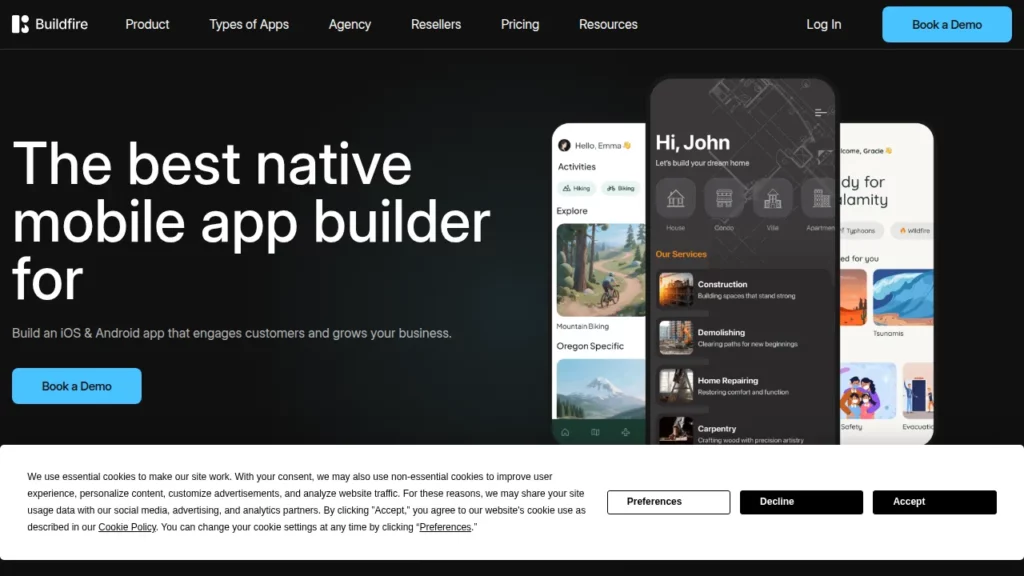
BuildFire is a no-code mobile app builder aimed at businesses that want branded apps without hiring a full development team. It focuses on iOS and Android apps powered by modular plugins and templates.
Feature:
- Drag-and-drop app builder with prebuilt layouts for common use cases such as content hubs, events, and memberships.
- Plugin marketplace covering push notifications, in-app purchases, media, and user management.
- White-label capabilities for agencies that build apps for clients.
- Publishing support to help teams navigate Apple and Google review processes.
- Option to use BuildFire’s professional services team for full-service app development.
Pricing:
BuildFire offers several subscription tiers. On its current pricing page, the Standard software plan starts at $165 per month, with higher tiers adding more storage, push capacity, and support. Costs rise for custom development packages or larger usage needs.
Pros and Cons:
- Pros: Fast to get a branded app online, minimal coding requirements, and strong focus on marketing-friendly features like push campaigns and content feeds.
- Cons: Less flexibility than custom-coded apps, potential vendor lock-in, and limited suitability for performance-heavy or highly customized user experiences.
7. AppSheet
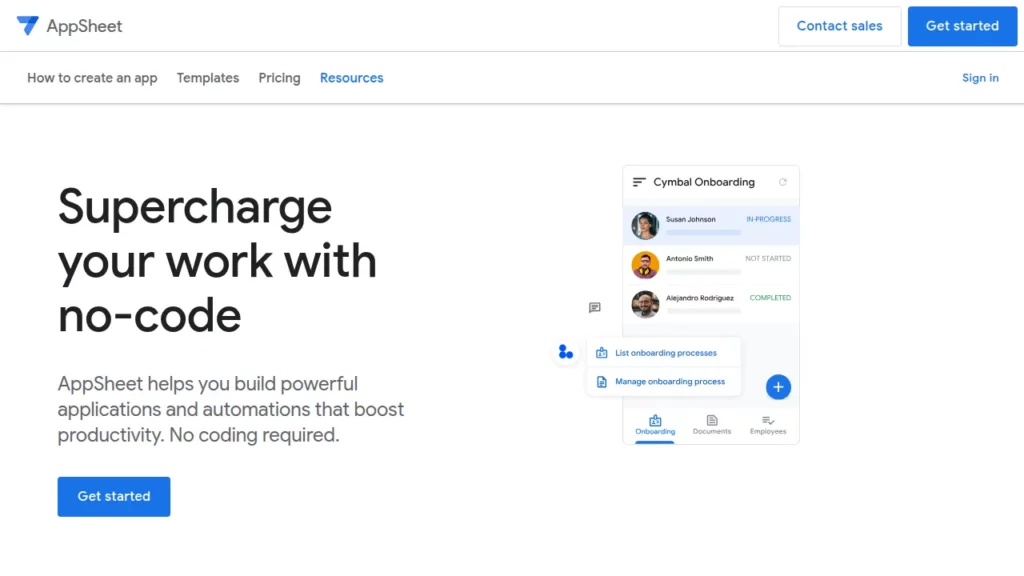
AppSheet is Google’s low-code and no-code platform for building data-driven apps. Users design apps visually using spreadsheets or databases as the data source and configure logic through declarative expressions.
Feature:
- Connectors for Google Sheets, Excel, databases, and cloud data sources.
- Visual editor for defining views, forms, and charts without writing code.
- Expression language for conditions, validations, and computed values.
- Workflow automation for approvals, notifications, and integrations with other Google Workspace tools.
- Deployment as Android, iOS, or web apps through progressive web app technology.
Pricing:
AppSheet has a free prototype tier for experimenting. Business-grade plans start with a Starter license that costs $5 per user per month, with higher tiers adding advanced security and automation. For organizations already using Google Workspace, some AppSheet capabilities are included in certain editions.
Pros and Cons:
- Pros: Excellent fit for operations teams that live in spreadsheets, close integration with Google services, and fast rollout for line-of-business apps.
- Cons: Less suitable for highly custom consumer apps, control is bound to the platform’s expression language, and per-user pricing can grow with large audiences.
8. Softr
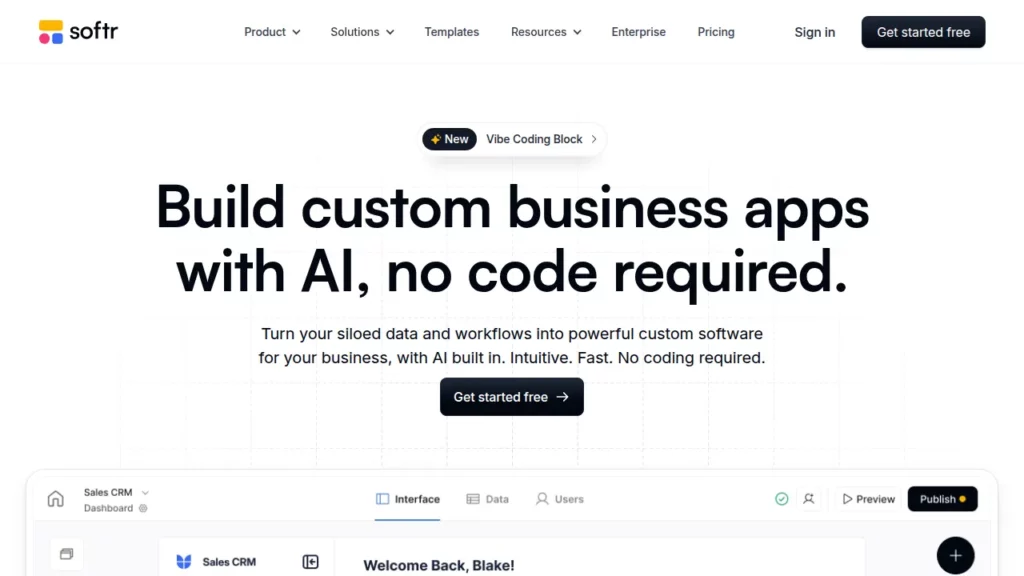
Softr is a no-code platform that turns data from tools like Airtable, Google Sheets, and databases into web apps, portals, and dashboards. Many teams use Softr for mobile-friendly web apps that behave like lightweight native apps in the browser.
Feature:
- Drag-and-drop blocks for lists, charts, forms, authentication, and payments.
- Support for multiple data sources, including SaaS tools and SQL databases.
- Role-based access control for client portals, partner hubs, and internal tools.
- Workflow engine for automations like emails, updates, and webhooks.
- White-labeling options so agencies can present apps under their own brand.
Pricing:
Softr provides a free plan for experimentation and small apps. A recent pricing review notes that paid plans range from $59 to $323 per month, with enterprise options beyond that range for large deployments. Teams should match plans to their record counts, number of users, and automation needs.
Pros and Cons:
- Pros: Very fast to build data-heavy web apps, strong mobile-friendly layouts, and flexible data connectors for multi-tool workflows.
- Cons: Focuses on web rather than true native apps, complex interactions can become hard to manage visually, and hosting is tied to Softr’s platform.
There is no single “best” mobile app development software for every case. Teams should weigh a few key factors before committing:
- Target users and platforms: Native IDEs such as Android Studio or Xcode make sense when performance and deep platform integration matter most, especially for consumer apps in crowded markets.
- Team skills: If the team already lives in JavaScript or TypeScript, using VS Code with React Native or similar frameworks can reduce ramp-up time. Non-technical teams might prefer AppSheet or Softr.
- Performance and complexity: Games and graphics-heavy experiences benefit from engines like Unity, while content or internal apps can run well on no-code stacks.
- Budget and pricing model: Free IDEs reduce up-front spending, but low-code and no-code tools can save time and ongoing developer costs. Each pricing model should be mapped to expected user counts and revenue.
- Vendor risk and roadmap: The broader mobile market is huge, with over 7.3 billion mobile users and millions of apps across major stores, so platforms evolve quickly. Teams should watch for tool deprecations, policy changes, and security updates, as seen recently in Unity’s ecosystem.
The rise of mobile app development software mirrors that growth. One market analysis estimates that dedicated mobile app development software tools reached USD 13,500.75 million in 2024 in value, underlining how central IDEs and low-code builders have become to digital strategy. This scale also means more choices, more niches, and a stronger need for careful selection.
Conclusion
At Designveloper, we work with mobile app development software every day as we help clients turn ideas into real, scalable products. In the last ten years, we have fulfilled over 100 mobile and web applications in fintech, logistics, healthcare, education, and on-demand services sectors. Our team is aware of the performance of each tool in this list when it comes to actual production pressure- because we have applied them in projects involving start ups, SMEs and even global corporations.
Choosing the right mobile app development software is not just a technical decision—it’s a business decision. And business decisions need business partners, like Designveloper. This is the reason why we take clients through feasibility studies, prototyping, UI/UX design, and cost modeling prior to beginning the development process. End-to-end services, such as QA tests, cloud integration, DevOps, and long-term maintenance, will be used to ensure that the tools used keep growing the product.


