


Mobile app design trends are evolving rapidly as we move into 2026. New technologies and styles are being embraced by designers so that the apps will be more engaging and easy to use. The desire is to deliver mobile experiences that are truly intuitive, personalized and even at times immersive. This article breaks down the top 15 mobile app design trends in 2026. It will be especially helpful to tech enthusiasts as well as business owners, to give an idea where mobile UI/UX is going.
Get inspired with money-making mobile app ideas you haven’t seen before.
1. AI-Powered Personalization and Chatbot Assistants
In today’s ephemeral economic reality, artificial intelligence (AI) has become a core of mobile app design. More apps are now taking advantage of AI to deliver personalized content as well as to interact more intelligently to the users by 2026. As the phrase says, personalization means the app changes according to the preferences and behaviour of each user.
For example, an AI algorithm of a shopping app can make product recommendations based on the user’s prior purchase history or an AI algorithm of a news app can prepare a feed of tops headlines as per the reader’s interests. Users feel that they are being treated with a tailored experience. In reality, about 80% of customers are prone to purchase from an app that offers personalized experience. To display relevant content, offers or recommendations, AI algorithms study user data (clicks, page viewing time and other things).
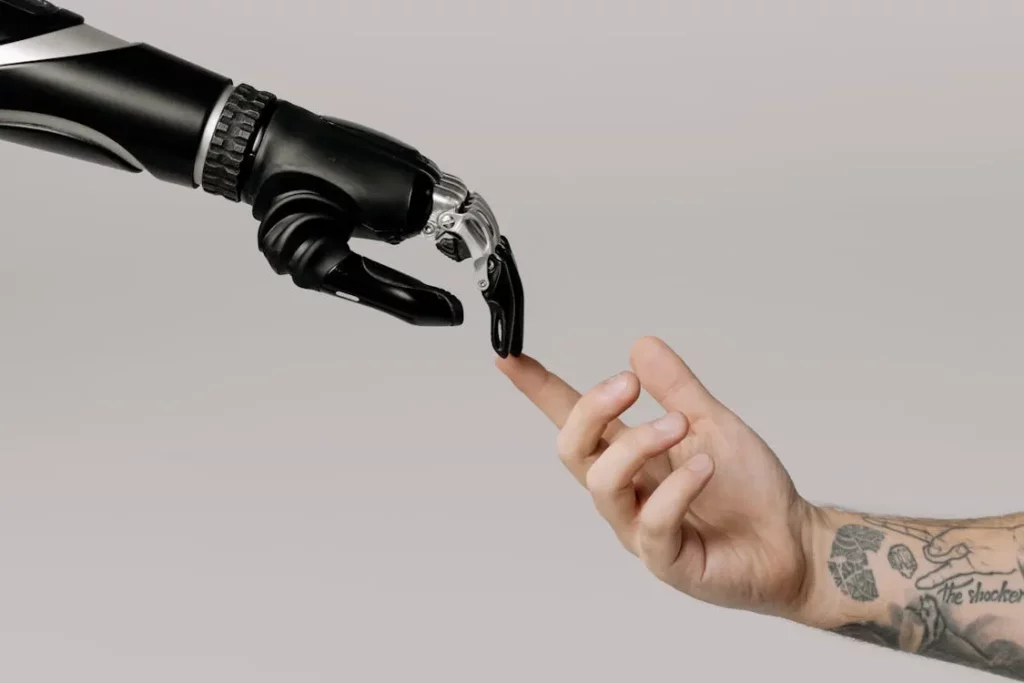
Another AI‑driven feature that is trending in mobile apps are chatbot assistants. What we have are conversational bots, housing inside applications to aid users with tasks, or providing answers. Currently, a lot of banking and e-commerce applications now have support for chatbots.
In fact, downloads of AI chatbot apps soared over 112% year over year in 2024, showing how fast people are adopting AI helpers. Well known examples include the “My AI” chat bot from Snapchat that chats with users or the Starbucks app AI that suggests personalized drink orders to users. The good thing about these bots is that they use natural language, which makes their interaction very conversational and easy.
2. Augmented Reality (AR) and Virtual Reality (VR) Experiences
Augmented reality (AR) and virtual reality (VR) are blurring the line between digital and physical worlds with mobile apps in 2026. These technologies bring 3D interactive elements into real life or transport users into virtual environments.
A great example of AR in a mobile design is IKEA’s furniture app where users can visualize how a couch or table would look in their living room with the help of the phone’s camera. The app then uses a 3D model of the furniture in the live camera view, so that it looks like it is actually in that room. This interactive design assists users in good buying decisions.
Another example is Pokémon GO, in which the AR superimposes animated creatures onto real world locations as viewed through a phone. The gameplay is blended with reality in that users physically move around to find virtual Pokémon. It is engaging because it feels magical and novel for the user: the app responds to the user’s real world.

VR goes a step further by immersing users in a fully virtual space (often using a headset). While pure VR apps are less common on phones than AR, we see elements of 360-degree content and 3D worlds making their way into mobile design. Some travel apps, for instance, offer 360° VR previews of destinations. With a simple viewer or even just the phone screen, a user can look around a beach or hotel as if they are there. Designers use this to give users a richer sense of place or product. As VR hardware (like Oculus headsets) becomes more affordable, mobile apps might also connect with those devices to deliver VR experiences.
3. Voice User Interfaces (VUI) and Voice Search Integration
The way users interact with mobile apps is expanding beyond touch and visuals. In 2026, voice user interfaces (VUIs) are a major trend, allowing people to navigate and control apps using speech. With the rise of virtual assistants like Siri, Google Assistant, and Alexa, many users have grown comfortable speaking to their devices.
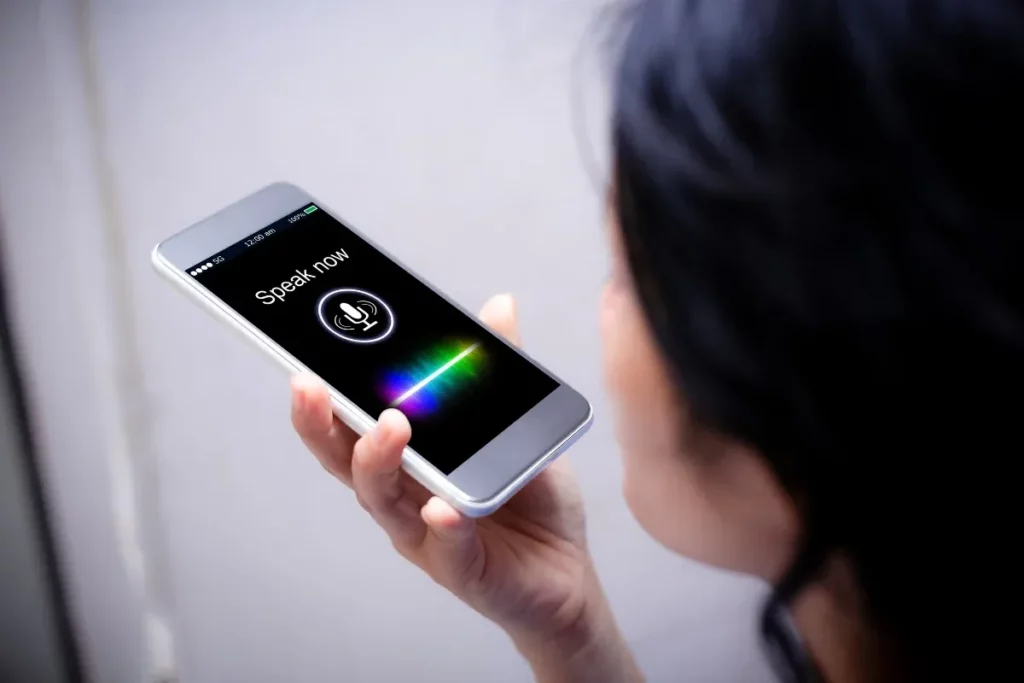
For example, consider a mobile app for a smart home system. Instead of tapping through menus to turn off the lights, the app might have a microphone icon – the user can simply say “Turn off the living room lights” and the app will execute the command. Or think of a recipe app in the kitchen: with voice control, a user can ask “What’s the next step?” without touching the messy screen with dough-covered hands, and the app will read the instructions aloud. These designs make apps more usable in various contexts (driving, cooking, exercising) where hands-free operation is beneficial.
Voice search integration is also becoming common. Many shopping and info apps now have a voice search option. A user might tap the mic and say “Show me popular Italian restaurants nearby” instead of typing it out. The app then processes the speech and performs the search. Thanks to improvements in speech recognition accuracy, this process is quite reliable.
As of the mid-2020s, nearly one-third of the online population is using voice search on mobile devices. In fact, about 27% of people use voice search on their mobile devices regularly. This statistic shows how users are embracing voice as a quick way to get information.
Recommended for you: Definition of Voice Technology and Examples
4. Minimalistic and Content-Focused UI Design
“Less is more” continues to be a guiding principle in mobile app design. In 2026, minimalistic design remains a strong trend, focusing on clean, uncluttered interfaces that highlight content and core functionality.
A great example is the design of Meditation and wellness apps. Many of these apps, such as Calm or Headspace, use very minimal interfaces – often a serene background color, a play button, and maybe one or two other icons. This simplicity helps create a peaceful mood and lets users focus on the experience (listening to meditation audio) rather than fiddling with controls.
Another example is Google’s search app or homepage, which has famously stayed very minimal: just a logo, a search bar, and little else. This ensures that the user’s attention is on entering their query and seeing results, with no clutter around. Instagram also embraces minimalism in its design to an extent – the interface is mostly just a scrollable feed of content, with simple icons for navigation. The idea is that the content (photos, videos, posts) is the star of the show, not heavy UI elements.
The trend towards minimalistic, content-focused design is also fueled by short attention spans and the sheer amount of information people deal with daily. Users often prefer apps that let them accomplish tasks in as few steps as possible. If an app’s interface is crowded or confusing, people might abandon it quickly.
Discover more here:
5. Dark Mode and Customizable Themes
In 2026, dark mode remains a top trend, and more apps are offering not just a default dark interface, but customizable themes to match user preferences. Dark mode refers to a color scheme that uses light-colored text/icons on a dark background (often black or deep gray), as opposed to the traditional dark text on white background (light mode). Users often love dark mode because it’s easier on the eyes in low-light conditions and it can even save battery life on devices with OLED screens.

The popularity of dark mode is backed by data: a recent survey found that 81.9% of Android users use dark mode on their phones for apps and other interfaces. That’s a huge majority, indicating that offering a dark theme is important to a large portion of users. Many people switch their entire device to dark mode in the evenings or even permanently. To meet this demand, app designers ensure their apps look great in both light and dark themes.
For example, Twitter and Reddit apps not only have a dark mode, but also allow automatic switching based on the phone’s system settings or time of day. Instagram and WhatsApp also quickly adopted dark themes once the trend became clear. Users now expect the apps they use to have this option; an app that lacks a dark mode might feel outdated.
Beyond just dark mode, 2026 sees apps exploring dynamic and customizable theming. One major influence is Android’s Material You design system (introduced by Google), which can adjust the app’s color palette based on the user’s wallpaper or preferences.
For instance, if a user’s background is mostly blue, the system might apply blue accents in supported apps automatically. This level of personalization in look-and-feel can enhance user satisfaction because the app interface feels more personal.
6. Immersive 3D Elements and Graphics
Mobile app interfaces are becoming more visually rich and interactive thanks to the incorporation of 3D elements. In 2026, designers are starting to use 3D graphics not just for games, but in regular app interfaces to create depth and immersion. Advances in device hardware and software frameworks (like WebGL, Unity, or Apple’s SceneKit) allow smartphones to render complex 3D models smoothly. As a result, we see a trend where apps include 3D objects that users can interact with – adding a wow factor and engaging users in new ways.

One application of this trend is in product showcase and retail apps. For example, a car dealership app might let users rotate and explore a 3D model of a car with their finger. Instead of just swiping through flat images, the user can pinch to zoom in, spin the car around, and even open doors or change colors virtually. This interactive 3D model provides a far more engaging experience than static pictures. It brings the showroom to the user’s phone.
Another example is e-commerce for consumer products: companies like Nike have experimented with 3D views of sneakers in their apps, where shoppers can examine the product from all angles. Such features make online shopping feel more tangible and fun.
Beyond retail, even some social media and creative apps use 3D elements. Consider Snapchat’s filters – some of those are effectively 3D AR models (like a dancing hot dog or 3D Bitmoji avatars) that users can place in their environment. Or a weather app that shows a 3D globe or a 3D visual of the sun and clouds for a more dynamic illustration of weather patterns. These are all about making the visuals more captivating.
Discover Top Trending Applications Worldwide you should know
7. Micro-Interactions and Motion Design
Sometimes, the smallest details in an app’s design can make the biggest difference in user experience. Micro-interactions – the tiny animations or responses in an interface – are a major trend in 2026. These are subtle design elements that respond to user actions, providing feedback and delight.

For instance, when you pull down to refresh your email list and a little spinner animates – that spinner is a micro-interaction. Or when you tap the “like” heart on a social media post and it bursts into a quick, colorful animation (as seen on Twitter where the heart icon gives a brief burst of confetti-like particles), that’s a micro-interaction. These moments are often so small that users might take them for granted, but they play a crucial role in making an app feel responsive and engaging.
The trend is toward making these micro-interactions more playful and noticeable, yet not intrusive. In 2026, apps frequently use motion design to guide users. For example, a button might slightly jiggle to draw attention if it’s the next step the user should take, or a swipe gesture is accompanied by a smooth slide animation of content moving off-screen and new content coming in. These motions help indicate to the user that their action was registered and what is happening as a result.
Good motion design can also convey personality – think of the refresh spinner maybe turning into a cute character or the loading indicator being a tiny bouncing ball. These designs keep users entertained during wait times and make the overall experience feel polished.
8. Inclusive and Accessible Design
A big and important trend in 2026 is a heightened focus on inclusive and accessible design in mobile apps. With billions of people using smartphones worldwide, ensuring an app can be used by the widest audience possible is not just socially responsible – in many cases, it’s legally required and good for business. Digital products have historically overlooked certain groups, but that’s changing fast. In 2023, a report noted that digital experiences were still inadequate for 1.3 billion people with disabilities worldwide, highlighting the need for better design practices. In 2026, companies and designers are taking that to heart by prioritizing accessibility.
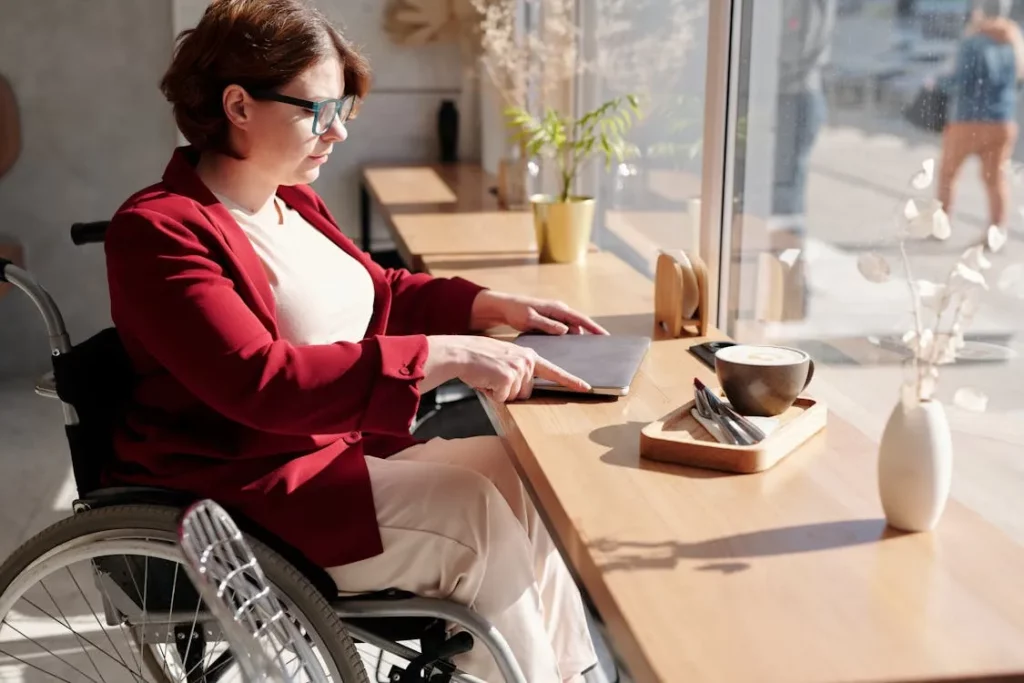
What does this mean in practice? For one, apps are increasingly implementing features like adjustable text size, screen reader support, and high-contrast modes. For example, iPhones and Android phones have system-wide accessibility settings (like larger text or bold text) and good apps will respond to those settings by automatically adjusting their UI. A user with low vision might have their phone set to a larger font; a well-designed app will ensure its labels and content scale up accordingly and don’t get cut off.
Another example is support for screen readers (VoiceOver on iOS, TalkBack on Android). Designers must label buttons and icons with descriptive text so that when a visually impaired user swipes through the app, the screen reader can announce what each element is (“Play button”, “Profile tab”, etc.).
Recommended for you:
9. Gamification and Playful User Experience
Gamification or the trend of extracting gaming aspects for use in other mobile app types is now being mimicked in 2026. The notion is to build on from users’ innate wish to achieve, to compete and to have fun. That means, apps can push users to return frequently and achieve goals like language, fitness, or filling out the profile. As we can see, this trend is actively growing in different industries, and, according to the market numbers, many businesses are investing in these features.
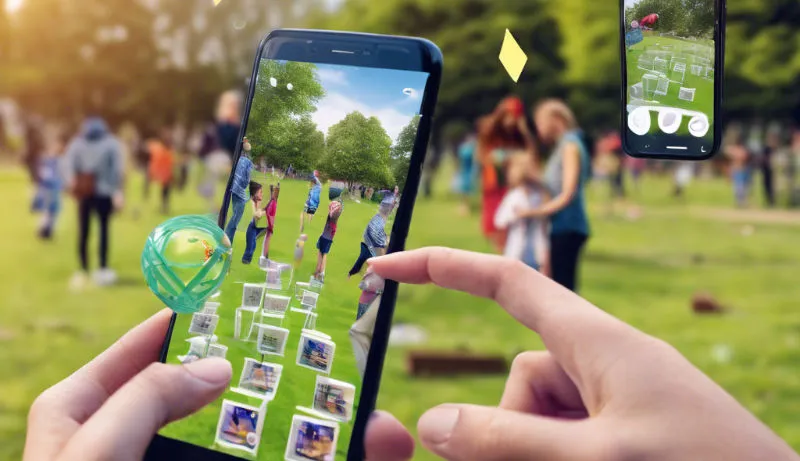
There are many examples of gamification. One classic is Duolingo, the language learning app, which is more or less like a game. In addition, there is a streak counter that persuades you to practice each day, experience points (XP) for completing lessons, and even a leaderboard to see where you stand among your peers. It is an addictive way to learn because of this playful approach.
Fitness apps like Fitbit and Nike Run Club are another example; they will reward a badge upon achieving milestones (your first 5k run, seven days in a row of reaching your step goal, etc.) and occasionally there will be leaderboards or even competitions with your friends. From these features, users are motivated to continuously stay active and use the app again in order to increase their proudly displayed achievements.
10. Multi-Platform Design and Super App Integration
The landscape of devices and services in 2026 is more diverse than ever. Mobile apps are no longer tied to a single phone screen – users expect them to work smoothly across devices and bundle multiple services in one place. This creates two interconnected design priorities: multi-platform experiences and super apps.
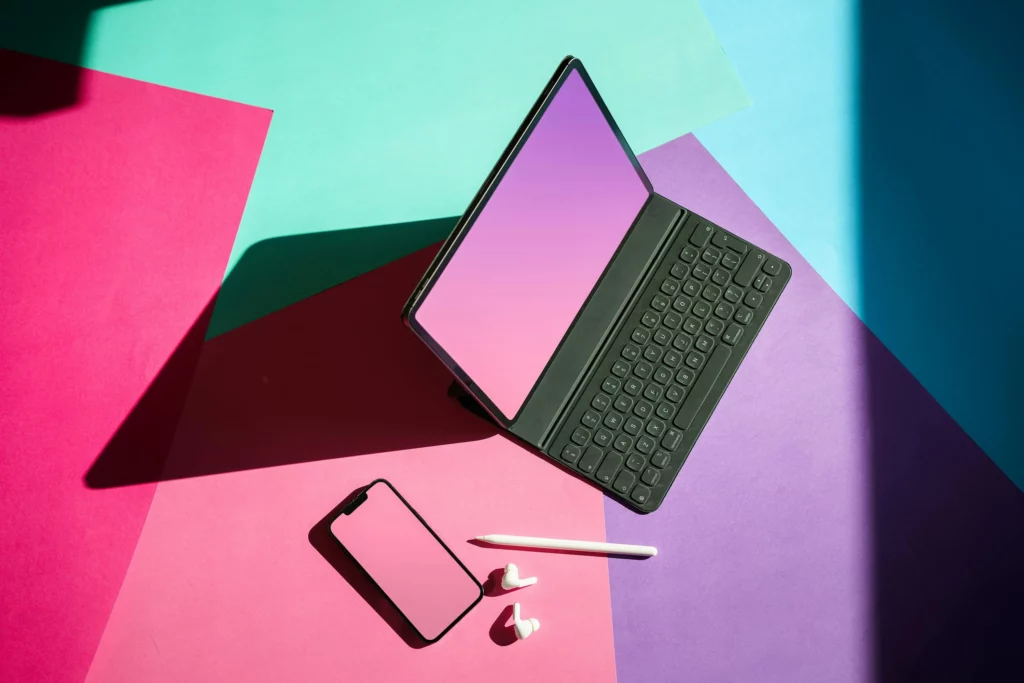
Multi-platform (or multi-device) design focuses on a seamless journey as users move between smartphones, tablets, smartwatches, cars, TVs, or foldable phones. Someone might start reading an article on their phone, continue on a tablet, and receive related alerts on a smartwatch. The UI must adapt to different screen sizes, orientations, and interaction modes.
Foldable smartphones are a key factor here: Global foldable smartphone shipments are projected to reach 101.5 million in 2027 from 78.6 million in 2026. Apps also increasingly integrate with wearables and other endpoints, like Spotify controlling music from phone, watch, or car. Each surface demands tailored controls while still feeling like the same product.
At the same time, super apps are reshaping expectations about what a “single app” can do. Originating in Asia with platforms like WeChat and Grab, super apps bundle messaging, payments, mobility, shopping, and more into one ecosystem. In 2026, this model is spreading globally as banks, telcos, and social platforms add mini-apps and extra services.
Good design here relies on a clear, scalable information architecture: a central hub or dashboard, intuitive navigation, and “app within an app” modules that preserve consistent icons, typography, and layout. Together, multi-platform design and super app integration define the new standard for cohesive, connected mobile experiences.
Here’s something worth exploring: How to Do Mobile App Market Research for Successful Strategies
11. Zero UI and Conversational Interfaces
Zero UI describes experiences where users do not need to constantly tap on screens or scan complex layouts. Instead, the interface quietly blends into everyday actions such as voice, gestures, sensor data, and automation. In mobile apps, this often appears as conversational interfaces that become the main way to get things done.
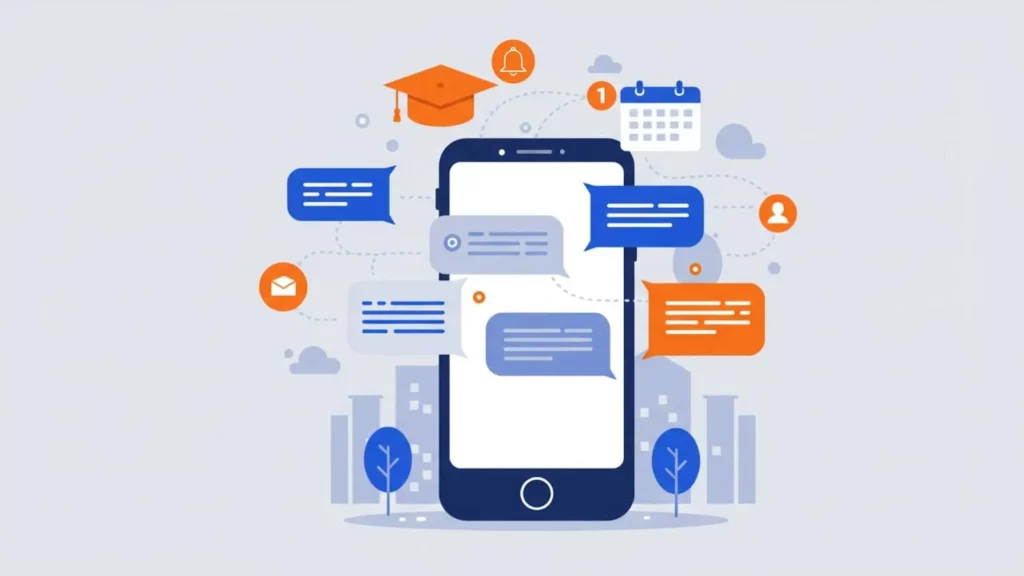
Instead of jumping between many screens, users can type or speak natural sentences like “Pay my electricity bill,” “Track my last order,” or “Book a taxi to the airport at 7 AM.” A conversational layer then orchestrates the right flows in the background. This is especially powerful in banking, healthcare, ride-hailing, or productivity apps where tasks are multi-step and context-heavy.
The shift is also due to the rapid growth of conversational AI. The global conversational AI market was valued at about $12.24 billion in 2024 and is projected to reach over $61 billion by 2032, showing how quickly businesses are investing in chat- and voice-driven experiences. Many decision-makers already expect conversational interfaces to become standard in customer journeys within the next few years.
For mobile designers, the key is to treat conversation as a first-class UI, not just a chatbot floating in a corner. That means clear turn-by-turn messages, visible shortcuts for frequent actions, smart suggestions (“quick replies”), and graceful fallbacks to visual screens when the task is too complex. Zero UI also needs strong privacy cues: users should always know what is being recorded, stored, or shared. When done well, conversational interfaces reduce friction and make mobile apps feel more human and effortless.
12. Neumorphism 2.0 and Soft UI
Neumorphism, often called Soft UI, mixes skeuomorphism and flat design to create soft, almost 3D components that look pressed into or raised from the background. Buttons, toggles, and cards appear molded from the same “material” as the canvas, using gentle highlights and shadows.
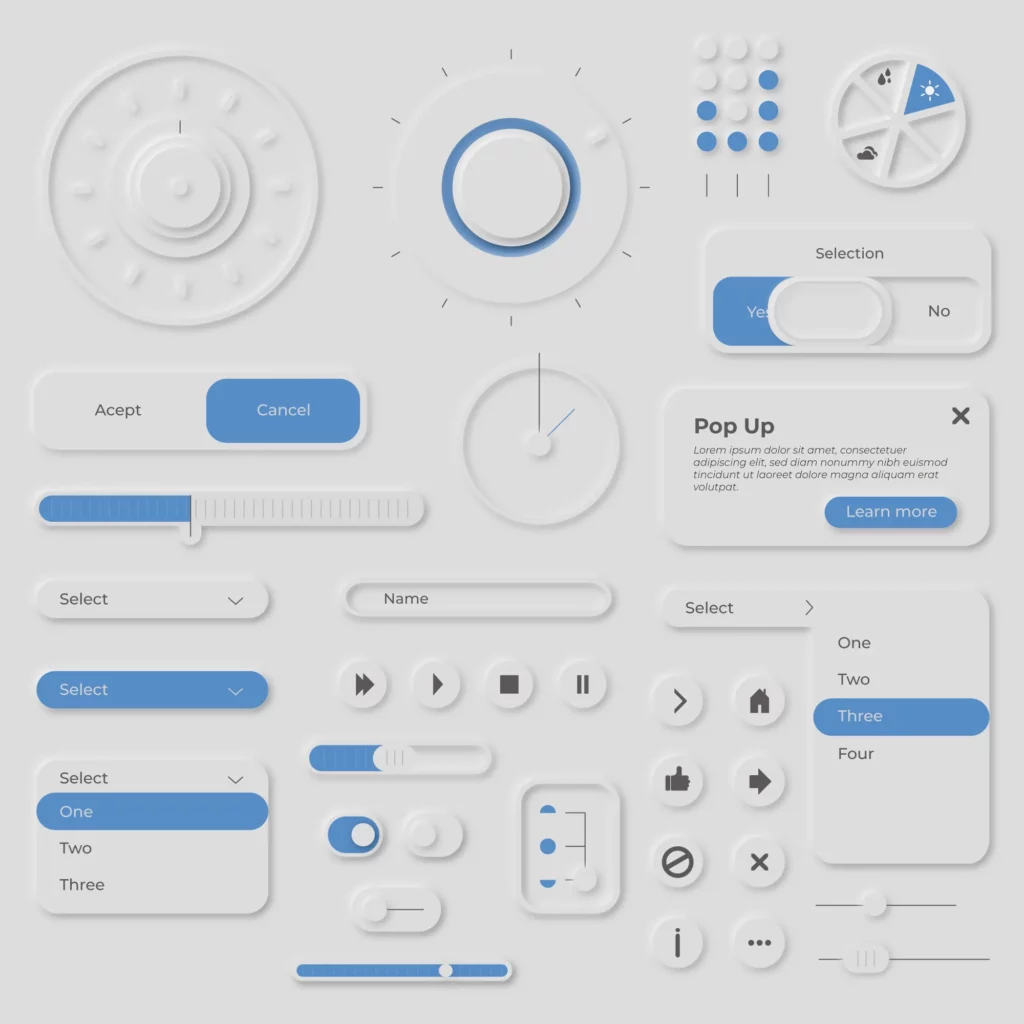
The first wave of neumorphism was visually attractive but quickly drew criticism. Low-contrast palettes and subtle edges made it hard for many users to see where to tap or read labels, so accessibility suffered. In 2025, “Neumorphism 2.0” focuses on keeping the soft, tactile feeling while fixing those problems. Designers pair soft surfaces with stronger contrast, clearer boundaries and larger, bolder typography.
Soft UI now usually appears as an accent, not an entire app skin. For example, a finance app might use soft-raised cards for account summaries while keeping forms and tables in a clean, flat style. Health and wellness apps often combine soft buttons and sliders with generous spacing to emphasize calmness and comfort. This aligns with broader UI trends that try to balance minimalism with richer, material-like depth.
13. Responsible Glassmorphism and Layered Depth
Glassmorphism is a UI style that uses translucent panels, blurred backgrounds, and subtle borders to mimic frosted glass. Elements seem to float above colorful layers, adding depth and hierarchy while keeping the overall interface sleek and modern.

This aesthetic has moved from experimental dribbble shots into mainstream systems. In 2025, Apple’s new “Liquid Glass” design language extends glass-like surfaces across iOS, iPadOS, macOS, watchOS, and tvOS, encouraging app developers to think in terms of layered, semi-transparent components rather than flat blocks.
As a result, mobile apps now often use glassy navigation bars, floating cards, and modals that reveal a hint of content behind them.
However, glassmorphism also has real trade-offs. Heavy blur effects can hurt performance on low-end devices, and translucent backgrounds can reduce text readability or break accessibility if contrast is not handled carefully. Some UX reports note that overuse of glass surfaces created fatigue and inconsistency in 2023–2024, pushing teams toward more restrained, “responsible” glassmorphism.
14. Passwordless Login
Security and UX are tightly linked in mobile app design. Traditional passwords now sit at the center of many of the world’s biggest breaches. Recent studies show that compromised credentials are one of the top initial attack vectors in data breaches, with credentials representing a large share of the data types exposed. As attack volumes grow and billions of usernames and passwords leak online, asking users to “just create a stronger password” is no longer enough.

Passwordless login replaces or minimizes passwords with more secure and convenient factors such as biometric authentication, passkeys, one-time codes, hardware tokens, or magic links. For product teams, it is quickly becoming both a security and a UX trend.
The global passwordless authentication market was at around $19.14 billion in 2024 and is to reach more than $82 billion by 2034. Surveys also suggest that roughly 70% of organizations are already implementing or planning passwordless approaches.
15. Fluid Typography
Fluid typography ensures that text remains readable and well-proportioned across the huge range of mobile screen sizes, from small phones to large foldables. Instead of hard breakpoints and fixed font sizes, fluid type uses formulas (for example, CSS clamp() on the web or responsive scaling rules in design systems) so font sizes grow and shrink smoothly with the viewport.

Variable fonts drive this trend. A variable font packs multiple weights, widths, and styles into a single file and exposes them as continuous axes (weight, width, optical size, and more). Designers can then fine-tune how typography behaves at each screen width or device class without loading many separate font files.
For mobile apps, that means more consistent branding, better performance, and better alignment between UI states and content density.
Conclusion
The mobile app design landscape in 2026 is dynamic and user-centric. From AI-driven personalization to AR-enhanced visuals, the top trends all aim to create more engaging and intuitive experiences. Short, simple interfaces with minimalistic layouts make apps easy to use, while options like dark mode and voice control cater to user comfort and preferences. We also see that thoughtful touches like micro-interactions and commitment to accessibility can set an app apart by making it feel polished and inclusive.
At Designveloper, innovation never rests, and we make sure to keep ourselves updated with every new trend that arises. Our ability to harness these trends is backed by a proven track record and a passion for innovation. We’ve partnered with startups, SMEs, and large enterprises alike, delivering solutions across industries – from a document management platform serving 60+ million users (Lumin PDF) to AI-powered chatbots and fintech applications. This experience, combined with our trend-focused approach, consistently translates into tangible business results for our clients. It’s no surprise that reputable publications like TopDevelopers and Clutch have recognized Designveloper among the top 30 web development companies globally.


