


Manual work scales badly. It slows teams down, creates errors, and keeps skilled people inside tasks that software can now handle. That is why many companies now invest in ai workflow automation. It helps teams connect apps, use AI for judgment-heavy steps, and move work from request to result with fewer handoffs.
This guide explains what AI workflow automation means, how it differs from traditional automation, how AI can automate workflows, and which tools deserve attention in 2026. It also gives practical selection tips for HR, sales, support, and content teams that want automation without adding new operational chaos.

What Is AI Workflow Automation?

AI workflow automation is the use of artificial intelligence to run, support, or improve a sequence of business tasks. A workflow may start with a form, email, chat message, document, CRM update, ticket, or database change. AI then reads context, makes a decision, routes the item, drafts output, updates a system, or asks a human to review the result.
This is different from basic automation. A basic automation says, “When this happens, do that.” AI workflow automation can say, “When this happens, understand what it means, decide what should happen next, and take the right action.”
For example, a traditional workflow can send every new support email to the same inbox. An AI automation workflow can read the email, detect intent, check customer history, assign priority, draft a reply, and escalate high-risk issues to a senior agent.
The market is moving in this direction because AI has moved from experiments into daily operations. McKinsey reported that 23% of respondents were scaling agentic AI systems and another 39% were experimenting with AI agents. That shows a clear shift. Companies no longer ask whether AI can help. They ask where AI can run safely inside real workflows.
Good AI workflow automation software usually includes:
- Triggers that start a workflow from an app, form, webhook, database, or schedule.
- AI steps that classify, summarize, extract, write, score, or reason.
- Connectors that move data between business tools.
- Human approval steps for sensitive actions.
- Logs, version history, and monitoring for control.
- Security controls for data, roles, and access.
The goal is not to replace every human task. The goal is to remove repeatable friction while keeping people in control of high-value judgment.
How Is AI Workflow Automation Different From Traditional Automation?
Traditional automation works best when the process is clear and predictable. It follows fixed rules and clean data. It breaks when inputs change too much.
AI workflow automation works better when the process includes messy text, documents, intent, context, or decisions. It can read a customer message, summarize a meeting, extract invoice fields, classify a candidate profile, or create a first draft from scattered inputs.
| Area | Traditional Automation | AI Workflow Automation |
|---|---|---|
| Logic | Fixed rules and triggers | Rules plus AI reasoning and context |
| Best input | Structured data | Structured and unstructured data |
| Example | Send a Slack alert when a form is submitted | Read the form, score urgency, draft a response, and update the CRM |
| Risk | Breaks when rules miss an edge case | May hallucinate or misread context if not tested |
| Control | Needs clear rule design | Needs prompts, tests, logs, approvals, and governance |
The strongest setup often combines both models. Use deterministic rules for stable steps. Use AI for language, documents, scoring, summarization, and routing. Then add human review where the cost of error is high.
This balance matters. Gartner predicted that over 40% of agentic AI projects will be canceled by the end of 2027, while 33% of enterprise software applications will include agentic AI by 2028. The message is clear. AI workflows will grow, but weak pilots will fail. Teams need design, governance, and real process fit.
How Can AI Automate Workflows?
AI automates workflows by adding a decision layer between triggers and actions. It does not just move data. It interprets data and chooses the next step.
A simple AI automation workflow often works like this:
- A trigger starts the workflow.
- The system collects context from connected apps.
- AI reads the input and performs a task.
- The workflow checks confidence, rules, or risk level.
- The system takes action or asks a human to approve.
- The workflow logs the result for review and improvement.
Here is a practical example for sales. A lead submits a demo form. AI reads the company size, job title, message, source, and website. It scores the lead, writes a short account summary, adds notes to the CRM, sends the lead to the right rep, and drafts a personalized email. The sales rep still reviews the message. But the rep no longer starts from zero.
Here is another example for HR. A candidate submits a resume. AI extracts skills, compares them with job requirements, flags missing information, drafts interview questions, and updates the applicant tracking system. HR still makes the hiring decision. But AI removes slow admin work.
AI can automate many workflow steps, including:
- Classification: Sort tickets, leads, documents, invoices, or requests.
- Extraction: Pull fields from PDFs, emails, receipts, contracts, or resumes.
- Summarization: Turn calls, meetings, documents, and tickets into short notes.
- Generation: Draft emails, reports, briefs, proposals, posts, and replies.
- Routing: Send work to the right person, team, queue, or system.
- Recommendation: Suggest next steps, risk levels, or best actions.
- Agentic execution: Let AI agents use tools, follow goals, and complete multi-step tasks with guardrails.
However, teams should not automate a broken process first. They should map the workflow, remove useless steps, define ownership, and only then add AI. Otherwise, AI will only make a messy process faster.
Key Benefits Of AI Workflow Automation
1. Increased Efficiency
AI workflow automation reduces the time people spend on repetitive coordination. It can handle intake, triage, summaries, drafts, status updates, and data entry. This helps employees spend more time on decisions, customer conversations, strategy, and delivery.
The productivity signal is already visible in technical teams. Stack Overflow found that 84% of respondents were using or planning to use AI tools, and 51% of professional developers used AI tools daily. The same pattern now appears in operations. Workers use AI not only to write code, but also to move work through systems.
2. Reduced Errors
Manual copy-paste work creates mistakes. People miss fields, forget updates, and route tasks to the wrong queue. AI does not remove all errors. But it can reduce common errors when teams pair it with validation rules.
For example, an invoice workflow can extract supplier name, date, amount, tax code, and purchase order number. A rule can check whether the purchase order exists. AI can flag unclear fields. A finance employee can review only exceptions. This creates a cleaner process than manual data entry alone.
3. Scalability For Lean Teams
Lean teams often grow faster than their operations. Sales gets more leads. Support gets more tickets. HR gets more candidates. Finance gets more invoices. The team cannot hire for every repeated task.
AI workflow automation platforms help teams scale without adding headcount for every admin step. A small team can use AI to handle first-pass work, create drafts, and prepare decisions. Then humans handle complex cases.
This matters because work skills are changing. The World Economic Forum said employers expect 39% of key job skills to change by 2030. Teams that learn to design and supervise AI workflows can adapt faster than teams that only add more manual process.
4. Better Decision-Making
AI workflows can gather context before a person acts. They can pull CRM records, summarize support history, compare documents, or surface risks. This helps people make faster decisions with better information.
For example, a customer success workflow can warn a manager when a high-value account has repeated support issues, low product usage, and delayed renewal activity. The manager gets a clear summary and recommended action before the customer churns.
Better decisions come from good data flow. AI should not guess in isolation. It should work inside connected tools, approved data sources, and clear business rules.
The best AI workflow automation tools in 2026 are not all the same. Some serve non-technical teams. Some serve developers. Some serve enterprises with strict governance. Some focus on AI agents, while others focus on app integration, RPA, or operational databases.
Use this quick table before reviewing each tool in detail.
| Tool | Best Fit | Free Or Trial Option | Main Strength |
|---|---|---|---|
| Zapier | Teams that need fast app-to-app automation | $0 per month with 100 tasks per month | Huge app ecosystem and simple setup |
| n8n | Technical teams that want control | 14-day Business plan trial | Open, extensible, and self-host friendly |
| Gumloop | AI-native no-code workflow builders | Free plan and Pro starting at $37 per month | Visual AI agents and workflow canvas |
| Make | Operations teams with branching logic | $0 per month with up to 1,000 credits per month | Visual workflow design and data mapping |
| Lindy AI | Professionals who want AI assistants for daily work | 7-day free trial | Email, meeting, calendar, and assistant workflows |
| Vellum AI | Teams testing assistant-style and agentic workflows | Check current packaging | Context-aware AI assistant and workflow actions |
| Workato | Enterprises with complex integration needs | Customer-first pricing model | Enterprise iPaaS, governance, and orchestration |
| Airtable | Teams building no-code operational apps | 500 AI credits per editor each month on the Free plan | Data, apps, agents, and automations in one workspace |
| Microsoft Power Automate | Microsoft-heavy organizations | Power Automate Premium at $15.00 per user per month | Microsoft ecosystem, RPA, and governance |
| UiPath | Enterprises that need RPA plus agentic automation | Basic starting at $25 per month | RPA, agents, process orchestration, and enterprise control |
AI investment also keeps rising. IDC projected the global AI market to grow from nearly $235 billion to over $631 billion by 2028. That growth will push more workflow tools to add agents, copilots, and AI orchestration features. So buyers should focus on workflow fit, not only feature volume.
1. Zapier
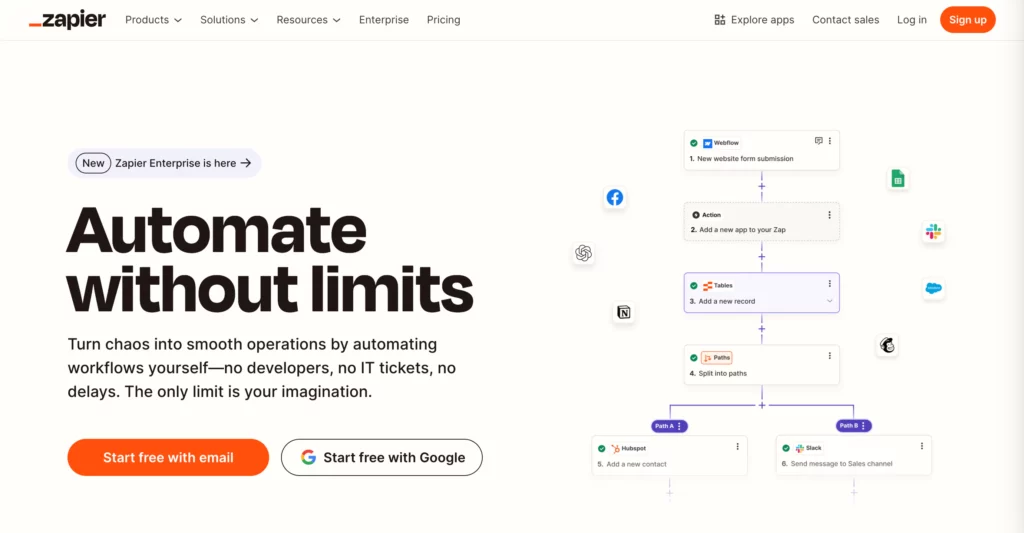
Zapier is one of the easiest ways to connect business apps and automate simple processes. It works well for teams that need quick wins across marketing, sales, support, HR, and operations.
Zapier now positions itself around AI workflows, AI agents, chatbots, tables, forms, and a large app ecosystem. That makes it a strong fit for teams that want automation without a developer-heavy setup.
Best for: Non-technical teams that need fast automation across many SaaS tools.
Strong use cases:
- Send new form leads to a CRM and Slack channel.
- Summarize customer emails and create support tickets.
- Draft follow-up emails after a sales call.
- Sync Airtable, Google Sheets, HubSpot, and Gmail data.
Key strengths: Zapier is easy to learn, fast to deploy, and useful for distributed teams that rely on many apps. It also helps teams test AI workflow automation tools before they invest in deeper enterprise platforms.
Limitations: Complex logic, high-volume runs, and advanced governance may increase cost and require stronger controls. Teams should monitor task usage and avoid building too many disconnected Zaps without ownership.
2. n8n
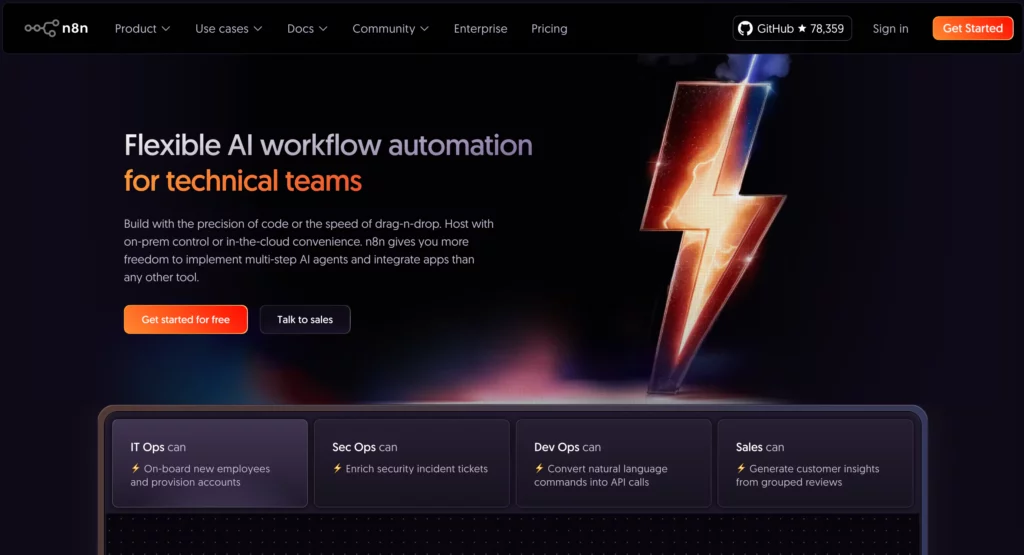
n8n is a workflow automation platform with strong appeal for technical teams. It uses a node-based editor and supports deeper customization than many no-code tools.
n8n works well when teams need control over hosting, credentials, APIs, and workflow logic. It is also popular with developers who want to build AI workflow automation software without losing visibility into the technical layer.
Best for: Engineering, data, IT, and operations teams that want flexible automation and self-hosting options.
Strong use cases:
- Route support tickets with an AI classifier.
- Build RAG-style internal assistants connected to company data.
- Run custom API workflows with JavaScript logic.
- Self-host workflows that process sensitive business data.
Key strengths: n8n gives teams more control over execution, custom logic, and infrastructure. It suits companies that need automation depth rather than only quick templates.
Limitations: Non-technical teams may need support. Self-hosting also creates security and maintenance duties. Teams should assign owners for upgrades, secrets, logs, and access control.
3. Gumloop
Gumloop is an AI automation framework built around visual flows and agents. It is a strong option for teams that want AI-native workflows rather than classic app connectors with a few AI steps added.
Gumloop helps users build workflows that scrape data, enrich leads, classify information, generate documents, and trigger actions across tools. Its visual approach makes it useful for growth, marketing, recruiting, and operations teams.
Best for: Teams that want no-code AI agent workflow automation with a visual builder.
Strong use cases:
- Research leads from websites and LinkedIn-style sources.
- Extract information from documents and route it to a database.
- Generate personalized outreach from structured customer data.
- Build internal AI agents for repeated research tasks.
Key strengths: Gumloop feels AI-first. It gives business users a practical way to build agentic workflows without starting from code.
Limitations: Teams must watch credit use, prompt quality, and data boundaries. AI-native workflows can become expensive or unpredictable if users do not test them with real cases.
4. Make
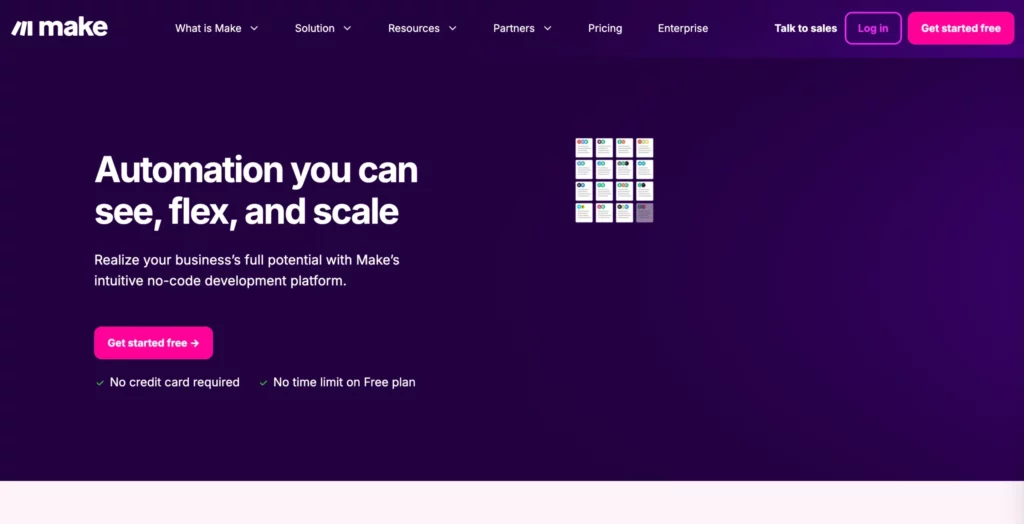
Make is a visual automation platform that helps teams build scenarios across apps, data sources, and AI models. It is popular with operations teams because it shows workflow logic clearly.
Make works well when a process needs branches, filters, routers, transformations, and controlled execution. Its visual canvas helps users understand how data moves through each step.
Best for: Operations teams that need visual control and multi-step workflows.
Strong use cases:
- Route leads by region, company size, and intent.
- Send support tickets through AI classification and human approval.
- Generate campaign assets from a content brief.
- Sync product, order, and customer data between tools.
Key strengths: Make offers strong visual design, flexible branching, and useful debugging for complex workflows. It is often a good middle ground between simple no-code automation and developer-led systems.
Limitations: The interface may feel more complex than Zapier for simple tasks. Teams also need naming rules and documentation when scenarios grow.
5. Lindy AI
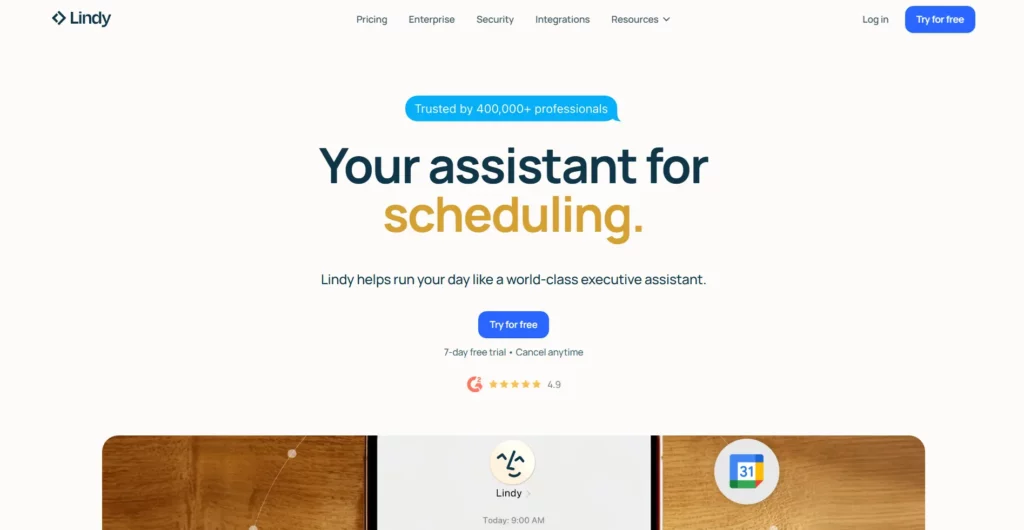
Lindy AI is an AI assistant for work. It focuses on inbox, meetings, calendar, follow-ups, and daily knowledge work. It is less of a classic integration platform and more of an assistant layer for busy professionals.
Lindy can help users manage email, prepare for meetings, draft replies, and take action across connected tools. This makes it useful for founders, executives, sales reps, recruiters, and customer-facing teams.
Best for: Professionals and small teams that want AI to handle daily admin work.
Strong use cases:
- Prepare meeting briefs from calendar and email context.
- Draft follow-up emails after calls.
- Organize inboxes and flag important messages.
- Update CRM notes after customer conversations.
Key strengths: Lindy focuses on personal and team productivity. It can save time in workflows that start in email, calendar, or meetings.
Limitations: It may not replace a full workflow platform for complex multi-department processes. Teams should use it where personal assistant workflows matter most.
6. Vellum AI
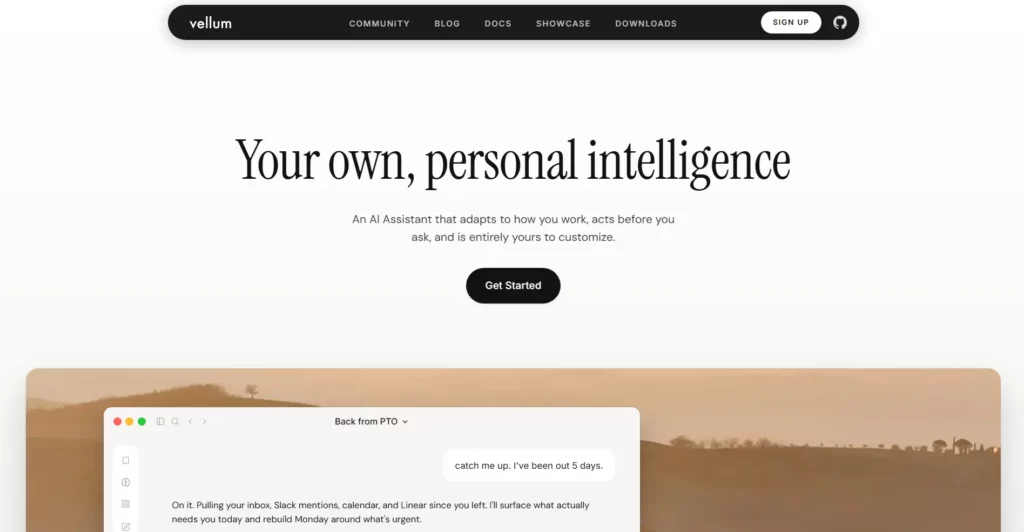
Vellum AI has shifted toward a personal intelligence and assistant experience that acts across email, Slack, GitHub, and work context. It fits teams that want AI to understand context and act before users ask.
For workflow automation, Vellum AI is most useful when the work depends on personal or team context. Examples include triaging issues, summarizing Slack threads, preparing updates, and helping users act across tools.
Best for: Teams exploring assistant-style AI workflows and context-aware agents.
Strong use cases:
- Summarize Slack channels and surface blockers.
- Triage GitHub issues and route them to the right engineer.
- Prepare personal work updates from scattered context.
- Draft and organize email actions.
Key strengths: Vellum AI focuses on context. That makes it useful for work that depends on what happened across many channels.
Limitations: Teams that need a broad iPaaS, RPA, or database automation platform may need another tool. Check current product packaging before choosing it for company-wide automation.
7. Workato
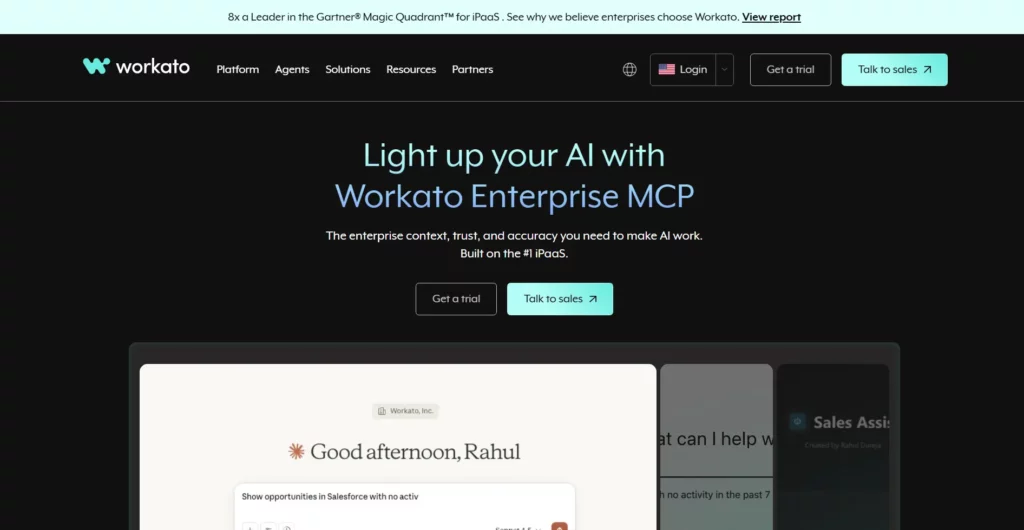
Workato is an enterprise automation and integration platform. It serves companies that need secure orchestration across many departments, systems, and data flows.
Workato is strong for enterprises because it combines integration, automation, governance, and lifecycle management. It also now emphasizes enterprise MCP and agentic AI workflows.
Best for: Enterprises with complex app ecosystems and strict governance needs.
Strong use cases:
- Sync customer data across CRM, ERP, finance, and support systems.
- Automate employee onboarding across HR, IT, and security tools.
- Connect AI agents to approved business apps.
- Orchestrate cross-department workflows with audit controls.
Key strengths: Workato suits mature organizations that care about reliability, governance, security, and integration depth.
Limitations: It may feel heavy for small teams. It also works best when a company has clear process owners and an automation roadmap.
8. Airtable
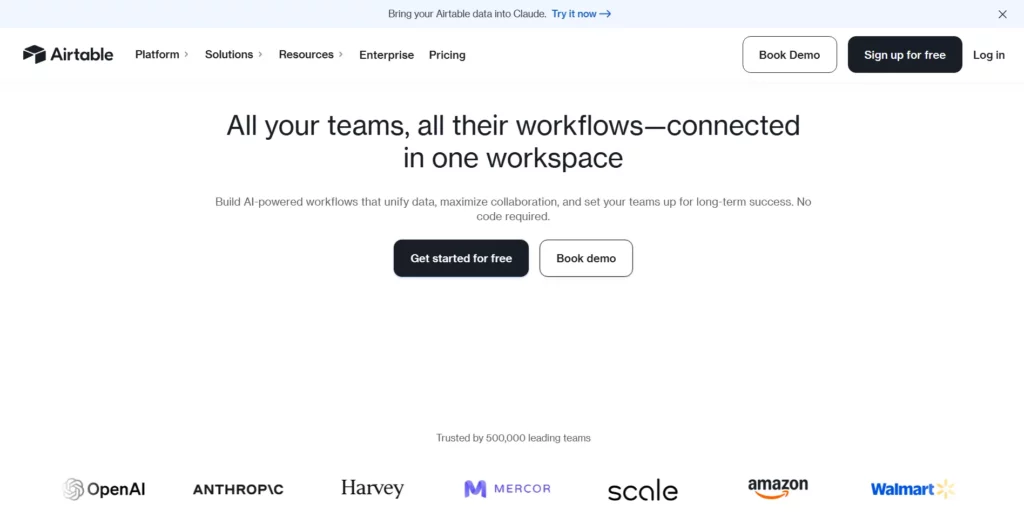
Airtable is now more than a flexible database. It positions itself as a platform for AI workflows, apps, and agents. This makes it useful for teams that want to centralize work data and build automation around that data.
Airtable is strong when teams need structured records, views, interfaces, approvals, and AI fields in one place. It works well for marketing operations, product operations, content calendars, recruiting pipelines, and lightweight internal tools.
Best for: Teams that need AI workflows around structured business data.
Strong use cases:
- Generate content briefs from campaign records.
- Analyze customer feedback across product requests.
- Build recruiting pipelines with AI summaries and status updates.
- Create internal apps for approval workflows.
Key strengths: Airtable combines data, interface, automation, and AI in one workspace. This helps teams avoid scattered spreadsheets and disconnected workflows.
Limitations: It may not be ideal for heavy backend logic or complex enterprise integration alone. For large-scale workflows, teams may pair it with Zapier, Make, Workato, or custom software.
9. Microsoft Power Automate
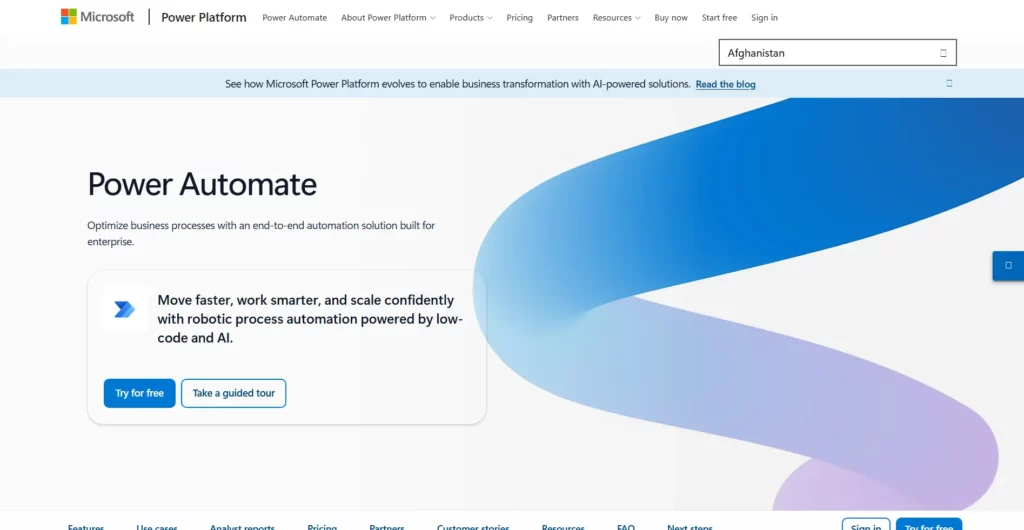
Microsoft Power Automate is a strong choice for companies already using Microsoft 365, Teams, SharePoint, Dynamics, Azure, and Power Platform. It supports cloud flows, approvals, desktop RPA, process mining, and AI-assisted workflow creation.
Power Automate fits organizations that need low-code automation with enterprise governance. It also helps teams connect office workflows with backend business systems.
Best for: Microsoft-centric organizations that need low-code automation and governance.
Strong use cases:
- Automate document approvals in SharePoint and Teams.
- Extract form data with AI Builder and route it to Dataverse.
- Run desktop automation for legacy systems.
- Use process mining to find workflow bottlenecks.
Key strengths: Power Automate works well inside Microsoft environments. It also supports both cloud workflows and RPA, which helps companies automate modern and legacy processes together.
Limitations: Licensing can become complex. Non-Microsoft integrations may need more setup than native Microsoft flows.
10. UiPath
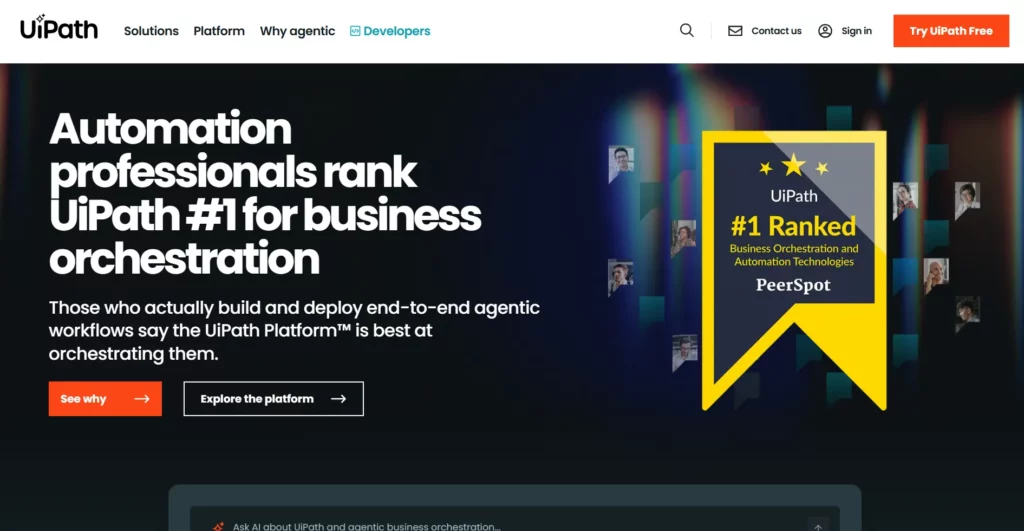
UiPath is one of the strongest enterprise automation platforms for RPA, AI, and process orchestration. It helps companies automate work across user interfaces, documents, systems, and human approvals.
UiPath now focuses heavily on agentic automation. Its platform brings robots, AI agents, orchestration, document understanding, and process intelligence into one enterprise stack.
Best for: Enterprises that need AI automation across complex, high-volume processes.
Strong use cases:
- Automate invoice intake and approval workflows.
- Use document AI to extract and validate business data.
- Run RPA across legacy systems with no modern APIs.
- Orchestrate human, robot, and AI agent work in one process.
Key strengths: UiPath is strong when workflows cross old systems, documents, teams, and strict compliance requirements. It fits enterprises that want scalable automation with governance.
Limitations: It may be more than a small team needs. Implementation also requires process knowledge, automation architecture, and change management.
1. Identify Repetitive Tasks
Start with the work that repeats every week. Do not start with the most complex process. Look for tasks that drain time but follow a clear pattern.
Good first candidates include:
- Lead qualification.
- Ticket triage.
- Meeting summaries.
- Invoice extraction.
- Candidate screening support.
- Content brief generation.
- CRM updates.
Then ask one question: “What part of this task needs judgment, and what part only needs execution?” Automate execution first. Add AI judgment only where it improves speed or quality.
2. Select The Right Automation Tool
Choose the tool based on workflow type, not hype. A simple app-to-app flow may only need Zapier. A complex data workflow may need Make or n8n. A Microsoft-heavy enterprise may need Power Automate. A document-heavy enterprise may need UiPath. A structured operations team may choose Airtable.
Use this simple rule:
- Choose Zapier for fast no-code SaaS automation.
- Choose n8n for technical control and custom logic.
- Choose Gumloop for AI-native no-code agents.
- Choose Make for visual branching and operations workflows.
- Choose Lindy AI for assistant workflows around email and meetings.
- Choose Workato for enterprise integration and governance.
- Choose Airtable for operational apps with AI inside structured data.
- Choose Power Automate for Microsoft environments.
- Choose UiPath for RPA, documents, and enterprise automation.
3. Create AI Prompts And Workflow Logic
AI prompts should be short, clear, and testable. A workflow prompt should tell the AI what to do, what data to use, what format to return, and when to flag uncertainty.
A weak prompt says: “Summarize this customer email.”
A stronger prompt says: “Summarize this customer email in three bullets. Identify the main issue, urgency, and requested action. If the request involves billing, mark it as high priority.”
Also define workflow logic around the AI output. For example, if urgency is high, send the ticket to a senior queue. If confidence is low, ask a human to review. If the request is simple, draft a reply.
4. Integrate Existing Systems
AI workflow automation works best when it connects to real business systems. That may include CRM, ERP, HRIS, helpdesk, email, chat, database, file storage, and analytics tools.
Do not build a workflow that only works in a demo. Connect it to the systems where work already happens. This improves adoption because employees do not need to change tools for every task.
Also check access rules. AI should only use data that the workflow needs. Sensitive workflows should include role-based access, logs, redaction, and approval steps.
5. Test And Refine
AI workflows need testing before scale. Use real examples, not only perfect samples. Include edge cases, messy inputs, missing fields, and unclear requests.
Review these areas:
- Accuracy of AI outputs.
- Failure cases and fallback paths.
- Data privacy and access.
- Latency and cost.
- Human approval quality.
- Audit logs and error recovery.
Then improve the workflow in small releases. Change one part, test again, and document what changed. This keeps automation useful and safe.
Common Use Cases For AI Automation Workflows
1. HR
HR teams handle repeated requests, documents, approvals, and candidate data. AI workflow automation can reduce this load without removing human judgment from sensitive decisions.
Useful HR workflows include:
- Resume summary and skills extraction.
- Candidate shortlisting support.
- Interview question drafts.
- Employee policy lookup.
- Leave request routing.
- Onboarding task generation.
For example, an HR workflow can read a resume, extract relevant skills, compare them with a role, and create a recruiter note. The recruiter still decides who moves forward. But the first review becomes faster and more consistent.
2. Lead Generation And Nurturing
Sales and marketing teams often lose time on lead research, CRM updates, and follow-up drafts. AI can prepare this work before a rep starts selling.
Useful lead workflows include:
- Lead enrichment from company websites.
- Intent classification from form messages.
- CRM field cleanup.
- Personalized email drafts.
- Meeting prep summaries.
- Follow-up reminders.
A practical workflow can score a lead, write a one-paragraph company summary, add CRM notes, and draft a first email. This helps reps respond faster and with more context.
3. Customer Support
Customer support is one of the clearest areas for AI workflow automation. Support teams receive repeated questions, urgent issues, refunds, bugs, and account requests. AI can triage these cases before agents act.
Useful support workflows include:
- Ticket classification by intent and urgency.
- Customer history summaries.
- Draft replies from the knowledge base.
- Bug report routing to product teams.
- Escalation alerts for unhappy customers.
- Post-call summaries and next actions.
The safest pattern is human-in-the-loop automation. AI drafts and routes. Agents approve final responses, especially for refunds, legal issues, account closures, and high-value customers.
4. Content Marketing
Content teams can use AI workflows to speed up research, planning, briefs, repurposing, and QA. The goal is not to publish raw AI text. The goal is to improve the content workflow.
Useful content workflows include:
- Keyword brief generation.
- SERP summary and competitor gap notes.
- Outline checks against search intent.
- Draft repurposing into social posts.
- Content refresh suggestions.
- Internal link recommendations.
A strong content workflow can take a keyword, collect source notes, create a structured brief, suggest internal links, and prepare image notes. A writer still owns the final argument, examples, and quality. This keeps content practical and original.
Turn AI Workflow Ideas Into Business Automation Process
AI workflow automation creates real value when it becomes part of a business process. A tool alone will not fix slow work. A prompt alone will not create scale. The process needs clear ownership, clean data, guardrails, and continuous improvement.
Start small. Pick one workflow with repeated volume and clear business value. Map every step. Remove steps that no longer matter. Add AI where language, documents, or decisions slow the work. Keep human approval where risk is high. Then measure the result.
The best teams do not automate everything at once. They build one useful workflow, prove it works, and reuse the pattern across other teams. A support triage workflow can become a sales routing workflow. A document extraction workflow can become an invoice, contract, or HR workflow. This is how AI automation compounds.
Designveloper helps companies turn AI ideas into production-ready software and business workflows. Designveloper was founded in 2013, and our team builds AI-powered business software, custom software, web apps, mobile apps, and VoIP products for real operations. Our published project experience also shows work across more than 100 projects in over 20 industries.
For businesses that want to scale smarter, the next step is not to buy every AI workflow automation platform. The next step is to choose the right workflow, design the right system, and build automation that people can trust. That is where ai workflow automation moves from a trend into a business advantage.
Conclusion
AI workflow automation becomes valuable when it moves beyond experiments. A tool alone cannot fix slow handoffs, scattered data, or unclear ownership. Teams need the right process first. Then they need the right automation layer to connect people, systems, and decisions.
At Designveloper, we help companies turn those ideas into production-ready systems. Since 2013, we have worked as a web and software development company in Vietnam with practical experience across custom software, AI-powered business software, web apps, mobile apps, VoIP systems, and workflow automation.
Our work covers 100+ projects across 20+ industries. This gives us a clear view of how automation should work in real operations, not just in demos. For example, we have worked on AI and automation features such as OCR-based transaction extraction for Song Nhi, document intelligence for Lumin, AI-generated product content for Aha, invoice extraction for Lodg, and internal HR automation for employee requests and approvals.
That experience shapes how we approach every AI automation workflow. We start from the business process. We map repeated tasks, data sources, approval points, and user roles. Then we design the right system around that process. This may include AI agents, document workflows, internal assistants, CRM automation, customer support flows, or custom integrations with existing software.
The best ai workflow automation setup is not always the most complex one. It is the one that removes manual work, reduces errors, and helps teams scale without losing control. If your company wants to build smarter workflows with AI, Designveloper can help you plan, build, test, and ship automation that fits your real business operations.


